ClickClack – Typing Trainer 4.7.0 for Mac
ClickClack – Typing Trainer 4.7.0 MacOS
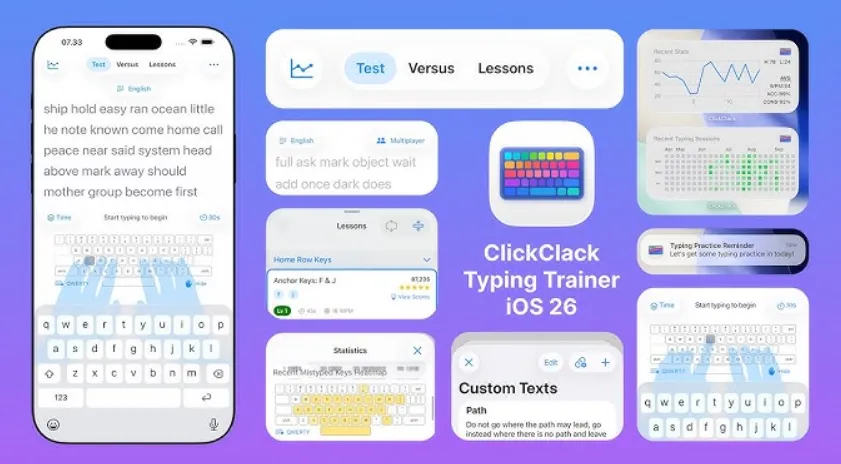
When browser typing tests stop at a single WPM score, a Mac app that saves history, drills weak keys, and syncs with iPhone can keep daily practice on track.
ClickClack opens from the Mac App Store into modes you choose from the menu bar or home screen. Run a timer or word-count speed test for a quick benchmark, open structured lessons when you are learning home row through symbols, or launch the N-Gram Word Focus Lab when specific letter pairs break your accuracy. VS CPU mode pits you against adjustable AI opponents, and Game Center multiplayer runs 60-second races against two to four players with leaderboards and achievements. Practice text can come from built-in languages, custom quotes you paste or import from a URL, or from Share Sheet and Shortcuts input.
How do I install and activate?
Run the downloaded image and drag the application to the Applications folder shortcut.
Once the copy is complete, you can launch the application from Launchpad.
Compatibility
macOS 14.5 and later