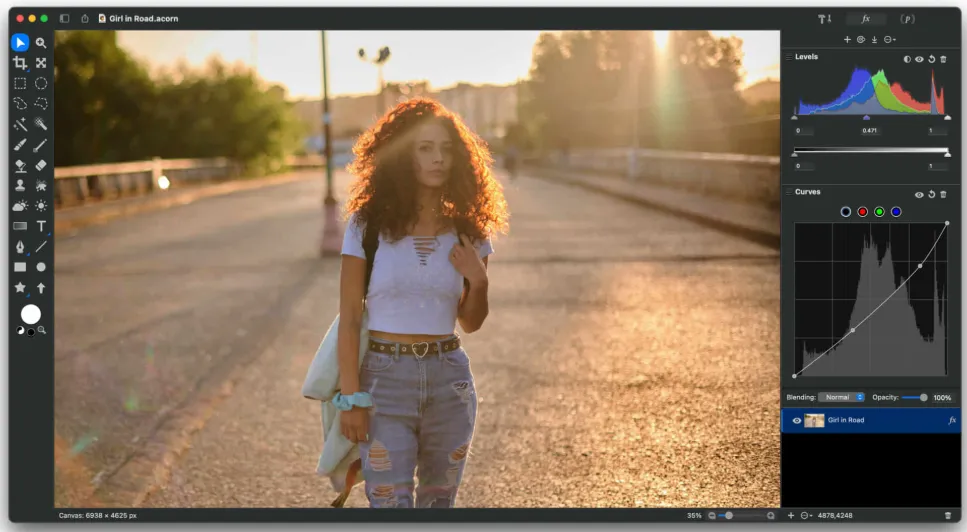
Acorn 8.6.2 for Mac
Acorn 8.6.2 MacOS
When you need more than Preview but less overhead than Photoshop, a native Mac editor with real layers, vector tools, and batch export often fits the quick retouch or social-asset workflow better than opening a subscription suite.
Open, layer, and paint
Acorn is Flying Meat’s lightweight image editor for macOS 14 Sonoma and later, including Tahoe, as a universal Apple Silicon and Intel binary. A typical edit starts by opening a file, duplicating the base layer, applying a non-destructive filter or curves adjustment, then exporting through Über Export once the canvas looks right. The unified window keeps layers, masks, vector shapes, and filter stacks in one place instead of floating palettes. The 8.6 generation rewrote the brush engine with Metal shaders so smudge, clone, burn, and dodge respond quickly during retouch work, and the Crop palette exposes a keep-aspect-ratio toggle while resizing bounds. Optional ML downloads for Super Resolution, subject selection, and background removal stay off-disk until you use them, which keeps the base install smaller.