PullTube 1.8.6.38 for Mac
PullTube 1.8.6.38 MacOS
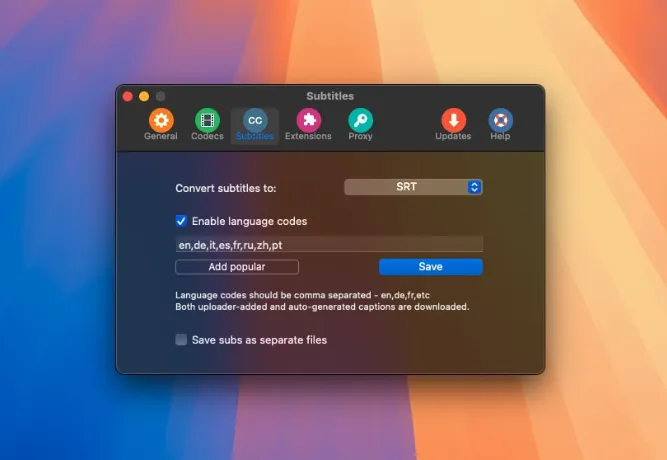
Desktop downloader that resolves streaming links into local MP4 or audio files, with inline trimming, subtitle capture, and browser extensions so you rarely need a separate converter or clipboard workflow.
The core loop is paste a URL with Command+V, drag a link or thumbnail onto the window, or send the current tab from a Safari extension, Firefox add-on, or manually installed Chrome companion. PullTube resolves the stream, shows title, duration, and thumbnail, then lets you choose format and quality before the job starts. Batch pasting via Command+O accepts several links separated by spaces or new lines, and playlist URLs expand so you can download everything or pick individual entries. A download-later list queues links you want to keep without fetching immediately, and progress appears in the main window with alerts when batches finish.
How do I install and activate?
Mount the image and run Open Gatekeeper friendly.
Press Enter to bypass Gatekeeper in the Terminal window.
Drag the application to the Applications folder.
The application is ready to use.
Compatibility
macOS 11 and later