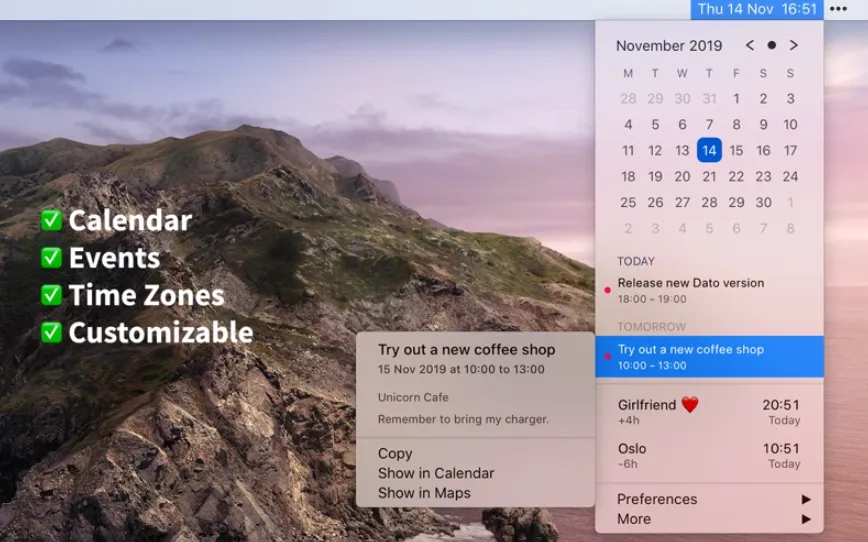
Dato gives you a local clock, date, and multiple world clocks in the menu bar. When you click Dato in the menu bar, you get a menu with a calendar, calendar events, and world clocks. All of this is highly customizable. Dato also comes with some macOS 11 widgets.
One-time purchase with free upgrades forever. Dato will never be subscription-based.
Dato supports all the locales and languages that macOS supports for the menu bar text, dates, times, and the calendar, but the menus and preferences are English-only.
Features
Supports all calendar services that macOS supports (iCloud, Google, Outlook, etc)
Custom format for the date & time in the menu bar
Zoom, Google Meet, and Microsoft Teams integration (shows an icon on events and button to quickly join)
Many menu bar icons to choose from (for example, date in calendar like Itsycal)
Show seconds in the menu bar clock or in the menu
Global keyboard shortcut to open/close the app
Lots of in-app keyboard shortcuts for power users
Open calendar events from Google Calendar directly in Google Calendar on the web
Large text mode
Fully customizable