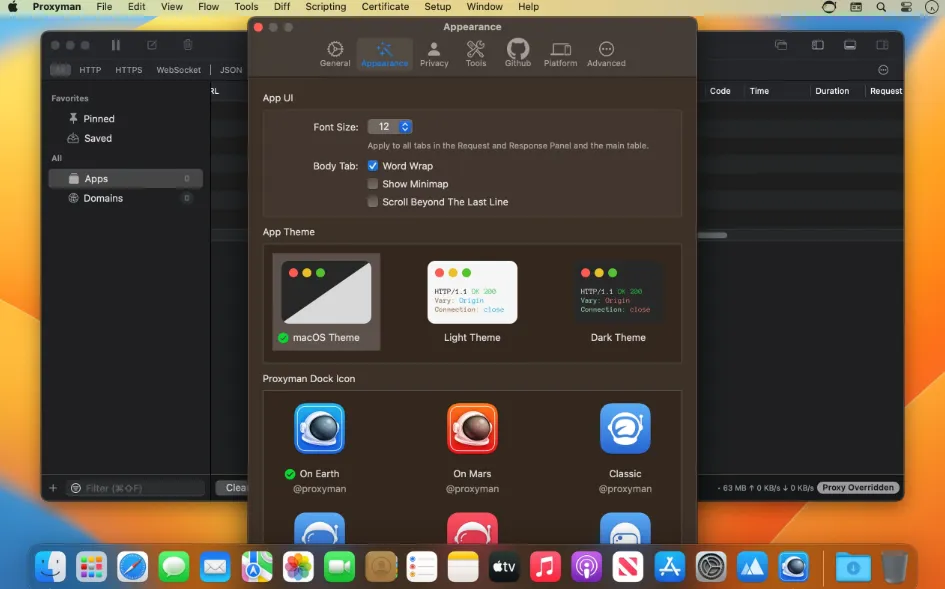
Proxyman 6.16.0 for Mac
Proxyman 6.16.0 MacOS
When an API returns the wrong JSON and browser DevTools only cover the web view, you need a Mac debugging proxy that can inspect HTTPS from native apps, simulators, and terminal-backed servers together.
Turn on capture, then follow the request
Proxyman runs as a local man-in-the-middle proxy on macOS 13 or later on Apple Silicon and Intel, including builds tuned for Tahoe. Mac apps and physical phones generally require installing Proxyman’s root certificate and routing traffic through the proxy; on Pro, iOS Simulator capture and the preconfigured Terminal workflow can automate much of that setup according to the vendor. Incoming HTTP or HTTPS flows appear in a sortable list with syntax-highlighted bodies. Working Sessions pin the domains you care about while hiding noisy analytics traffic, and Pro adds multi-criteria filters across protocol, URL, header, and body fields when a bug only shows up on one endpoint. The preview pane splits headers, cookies, JWT claims, GraphQL operation names, and JSON trees so you can confirm payloads before touching backend code.
How do I install and activate?
Run the downloaded image and drag the application to the Applications folder shortcut.
Once the copy is complete, you can launch the application from Launchpad.