Posterino 6.4.5 for Mac
Posterino 6.4.5 MacOS
Vacation shots and family albums often stay on the drive until someone arranges them into a poster, card, or calendar—Posterino handles that layout work on Mac without a full publishing suite.
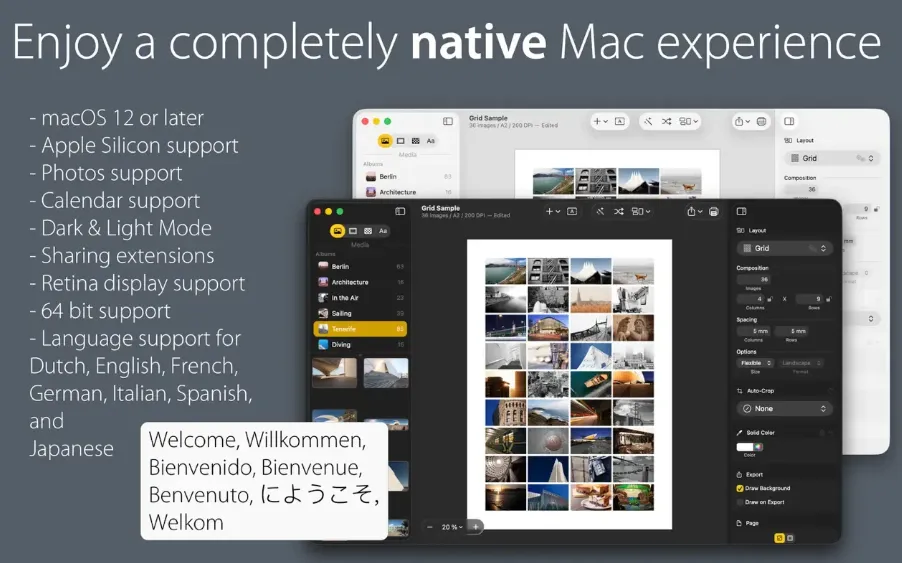
Posterino is a collage editor built around editable templates rather than a blank canvas. Start in the template picker, choose a grid, square-grid, tile, circular, or random layout, then add images from the built-in browser that reads Photos albums and folders on disk. Documents can hold up to 1,000 images, and layout modes range from fully automatic shuffles to semi-automatic placement and manual dragging when you want pixel-level control. Frames, filters, spacing, captions, and decorative postage stamps sit in the inspector, so most styling changes take a single click instead of a trip through separate dialog boxes.
How do I install and activate?
Run the downloaded image and drag the app to the Applications folder shortcut.
Once the copy is complete, you can launch the app through Launchpad.
Official updates may cause activation loss.
Compatibility
macOS 12 and later