Permute 4.0.8 for Mac
Permute 4.0.8 MacOS
Exporting the same podcast clip to MP3, a social clip to HEVC, and a batch of HEIC scans to PDF usually means juggling FFmpeg commands or three separate apps unless one Mac queue can handle all of them with presets.
Drop files, pick a preset, run the queue
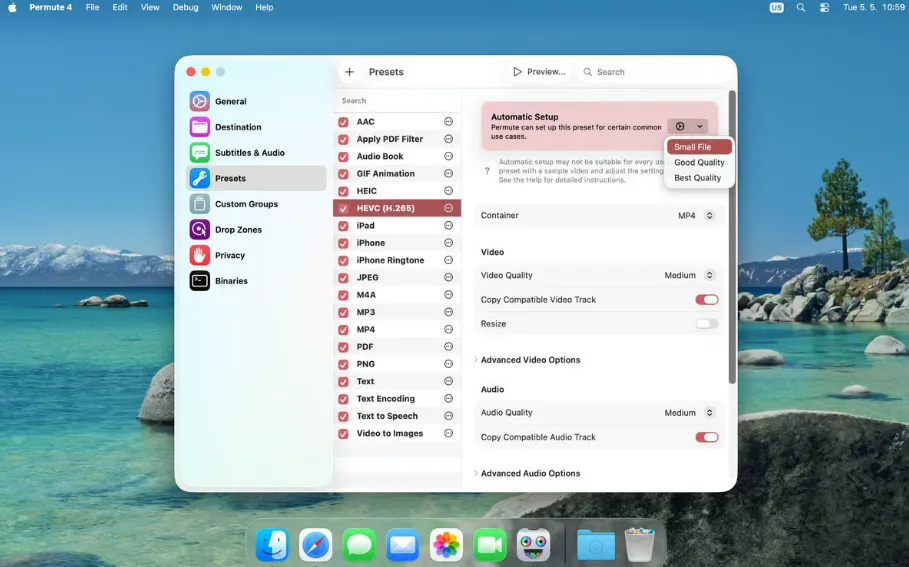
Permute 4 is Charlie Monroe’s native media converter rebuilt for macOS 26 Tahoe on Apple Silicon Macs. Drag video, audio, images, PDFs, or text files into the main queue, assign a built-in or custom preset, and start conversion while the app shows estimated output size and progress per group. Presets cover MP4, HEVC, AV1, ProRes with hardware acceleration, MP3, AAC, FLAC, HEIC, AVIF, WebP, GIF animations, HLS streams, and an Advanced Custom mode that exposes raw FFmpeg when you outgrow the GUI. Drop Zones automate repeat jobs by applying a preset the moment files land on a defined target.
How do I install and activate?
Run the downloaded image and drag the application to the Applications folder shortcut.
Once the copy is complete, you can launch the application from Launchpad.
Compatibility
macOS 10.14.6 and later