UPDF 2 – AI-Powered PDF Editor 2.5.6 for Mac
UPDF 2 – AI-Powered PDF Editor 2.5.6 MacOS
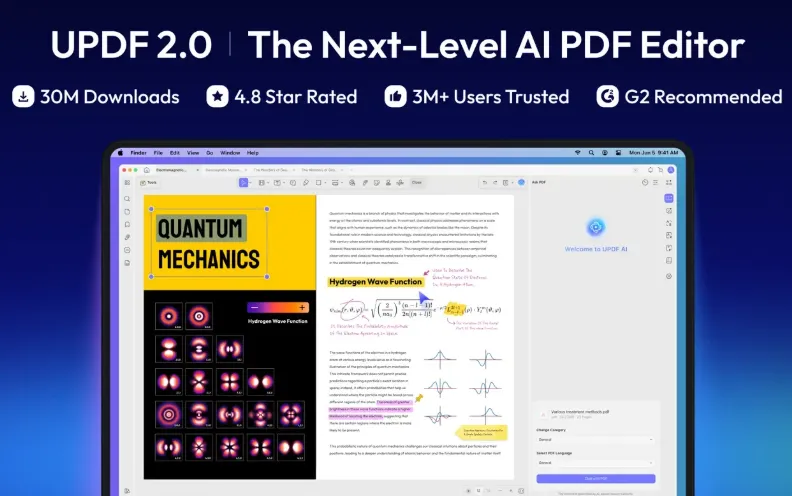
A single Mac app that handles PDF reading, in-place edits, export to Office formats, and document-grounded AI chat useful when Preview’s markup is too thin but Acrobat’s subscription feels heavy.
After you open a PDF from Finder or drag it into the window, UPDF keeps editing, annotation, conversion, and signing in one tabbed interface. Text and image edits happen in place you select a block, adjust font or color, or replace an image without round-tripping through another app. Annotations layer on top: highlights, sticky notes, shapes, stamps, and freehand markup stay separate from the underlying text so you can flatten or export later. macOS Preview still wins for instant double-click viewing, but UPDF adds form filling, batch tools, and structured conversion that Preview does not offer.
How do I install and activate?
Run the downloaded image and drag the application to the Applications folder shortcut.
Once the copy is complete, you can launch the application from Launchpad.