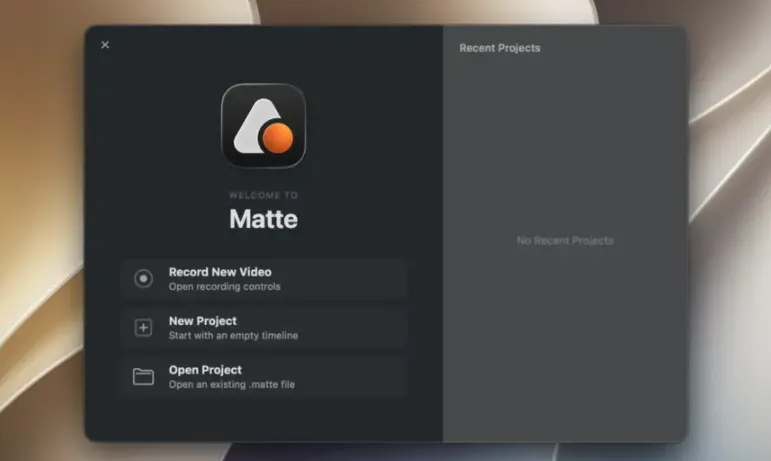
Matte 1.6.1 for Mac
Matte 1.6.1 MacOS
Record the iOS Simulator, a USB-connected iPhone or iPad, or any Mac window, then add bezels, zooms, and captions in the same project instead of stitching a screen capture into a general editor.
Capture sources and the first take
Grant Screen Recording (and microphone or camera if you want voiceover or a webcam overlay). Choose a source: the Simulator with cursor capture, a phone or tablet over USB for hardware-only moments such as Face ID or Dynamic Island, a full display, or a single window with alpha when you need a transparent plate. Dual capture can record a Mac window and a live device in one take. Menu bar recording can capture a device without keeping the main window in the way. iPhone Mirroring is documented as a beta path with automatic crop and a bezel. After you stop, the clip lands on a multitrack timeline rather than forcing a round-trip to another app.
How do I install and activate?
Run the downloaded image and drag the application to the Applications folder shortcut.
Once the copy is complete, you can launch the application from Launchpad.
Compatibility
macOS 15 and later