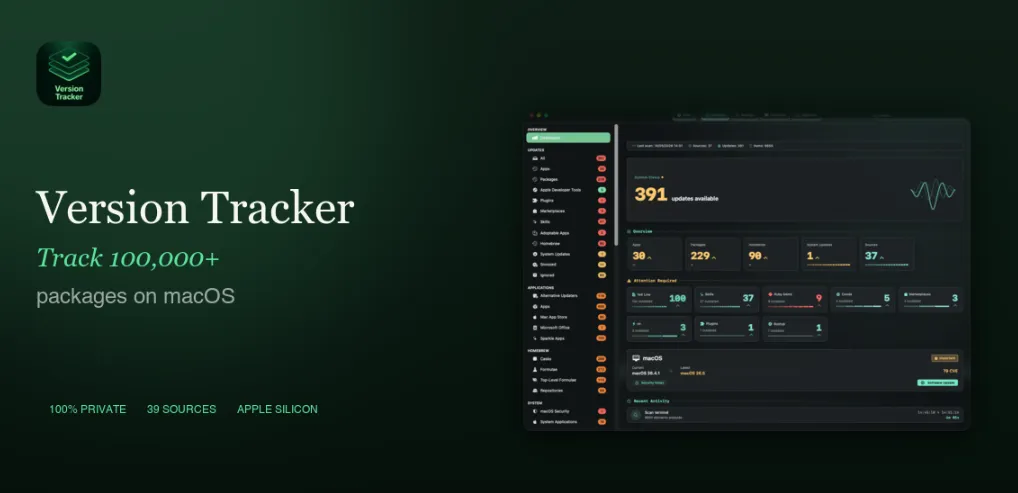
Version Tracker 1.2.3 for Mac
Version Tracker 1.2.3 MacOS
GUI apps, Homebrew, language package managers, and system updates sit in one list, so you can see what is stale without hopping between terminals.
First scan and the All list
On first launch a setup assistant asks for Full Disk Access so the app can read installed software, then offers optional package-manager setup. A seven-day trial of paid features starts automatically with no credit card. The initial scan typically takes ten to sixty seconds depending on how many sources are enabled. Results land in the All tab: each row shows the current version, the newer version, and an action button. Sources you do not use can be turned off in Settings to keep scans shorter. The details pane can show vendor release notes when the source provides them.
How do I install and activate?
Run the downloaded image and drag the application to the Applications folder shortcut.
Once the copy is complete, you can launch the application from Launchpad.
Compatibility
macOS 15 and later