Fork 2.70.1
Fork 2.70.1 for Mac
A Git GUI so you can stage hunks, rebase, and fix conflicts without living in Terminal.
Open a repo, then work the graph
Add a local folder, clone a URL, or pick a recent repo from the repository manager. The commit list and graph stay on one side; the working copy, staged hunks, and a side-by-side diff sit on the other. Stage or unstage line by line, reuse a recent message, then commit or amend. Fetch, pull, and push are toolbar actions. When the history is messy, drag commits in the visual interactive rebase to reorder, squash, or edit. Merge conflicts open a dedicated helper and an in-app resolver instead of dumping you into a text dump of markers.
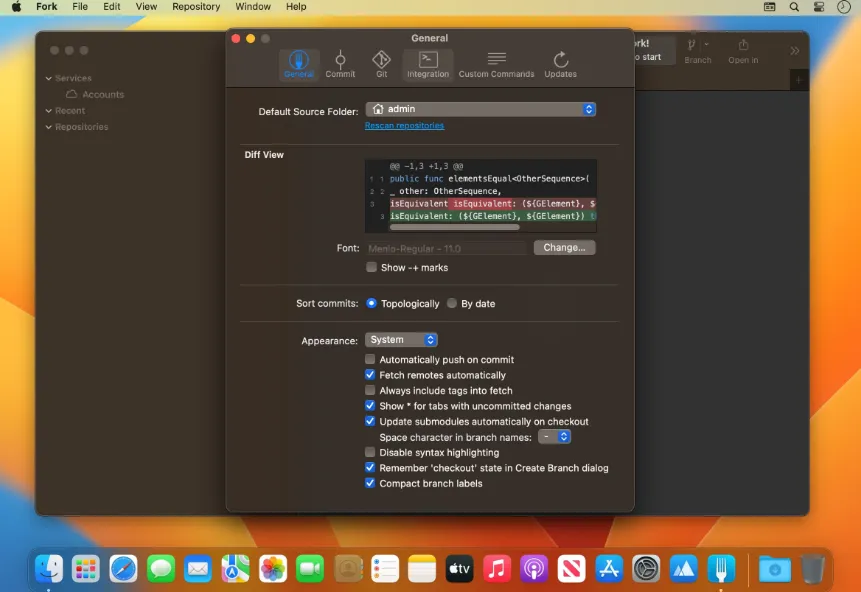
Blame and file history answer “who last touched this line” and “every commit that changed this path.” Image diffs cover common formats. Stashes appear in the commit list. Git-flow, Git LFS, GPG signing, submodules, cherry-pick, revert, and reflog are built in. This 2.70.1 download (the file attached to the vendor’s 2.70 notes) adds vertical tabs so several repos or views can sit in one window, and it can call Cursor as an agent when you want help writing a commit message.
When the command line is enough
Stay in Terminal if you only fetch and commit on a small repo and already like your aliases. Choose Fork when you rebase often, review large diffs, or want a merge tool that is not another Electron Git suite. The vendor lists GitHub notifications in the product; you still open pull requests and CI on the host. There is no Linux build. A Windows license is a second purchase at the same $59.99 list price.
The Mac floor is OS X 10.11; Intel and Apple silicon both run it. Evaluation is free and full-featured, with purchase prompts until you buy. The Cursor-assisted message path is documented as an integration, not a built-in model—if you do not use Cursor, write messages yourself or keep whatever hook you already have.
How do I install and activate?
Mount the image and launch Open Gatekeeper Friendly.
Press Enter to bypass Gatekeeper in the Terminal window.
Drag the application to the Applications folder.
The application is ready to use.
Compatibility
macOS 10.13 and later