Folder Icon Maker 1.6 for Mac
Folder Icon Maker 1.6 for Mac Free Download
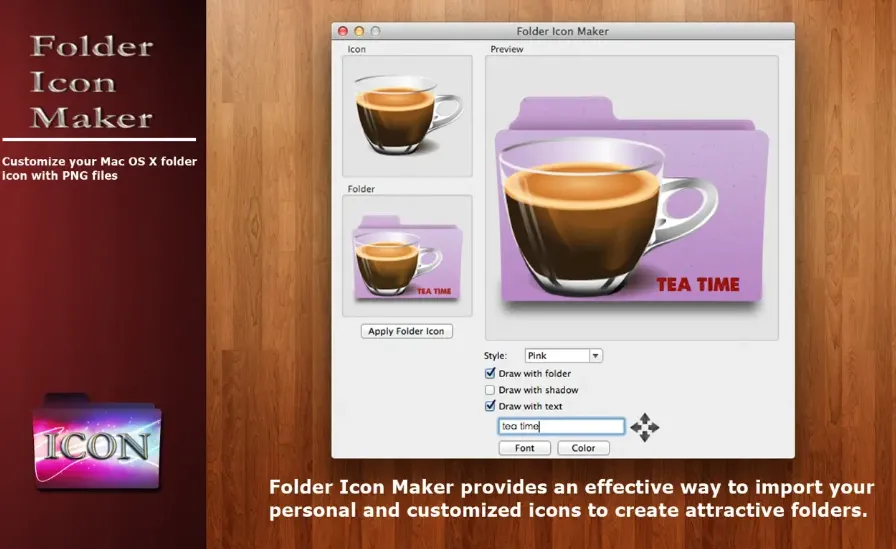
A lightweight Mac App Store utility that composites a PNG, app icon, or short text onto a macOS folder template so Finder folders are easier to recognize at a glance.
Default blue folders blur together when you keep many project directories on the desktop or in Documents. Folder Icon Maker (CokeSoft / seller 方成 印) is built for a two-step workflow: drag a transparent PNG or an existing application icon into the preview, then drag the target folder onto the app to apply the result. You can reposition the overlay with the mouse, scale it with the scroll wheel or trackpad, and optionally add text on top of the folder artwork. Several folder color styles and effect options are offered so the badge sits on a light or tinted folder base.
How do I install and activate?
Mount the image and launch Open Gatekeeper Friendly.
Press Enter to bypass Gatekeeper in the Terminal window.
Drag the application to the Applications folder.
The application is ready to use.
Compatibility
macOS 11 and new releases