Unite Pro 1.8
Unite Pro 1.8 for Mac
Webmail and chat stay in their own Mac app instead of another Safari tab.
From URL to a Dock icon
You open the creation tool, type a service name or paste a URL, and Unite fills in an icon, title, and starter settings. Confirm, and it writes a signed app you can keep in the Dock or Applications folder. Each app is isolated: cookies, logins, and tabs do not spill into Safari or into the next Unite app. That is the usual reason people make three Figma workspaces or two Google accounts instead of one bloated browser window.
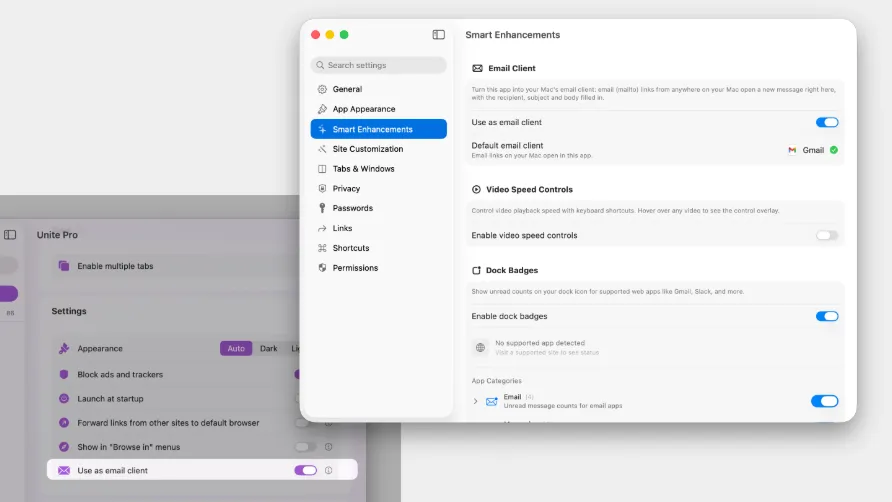
Every generated app can switch among a normal window, a resizable sidebar, and a menu-bar overlay. Link-forwarding rules decide whether a clicked URL stays inside the app, jumps to another Unite app, or goes to your default browser. Userscripts and custom CSS trim chrome on noisy sites; a built-in ad blocker is available without Chrome extensions. Dock badges work on a vendor-supported list of services, not on every random site.
How do I install and activate?
Run the downloaded image and drag the application to the Applications folder shortcut.
Once the copy is complete, you can launch the application from Launchpad.
Compatibility
macOS 15 and later