Window Manager 2.0.0 for Mac
Window Manager 2.0.0 for Mac Free Download
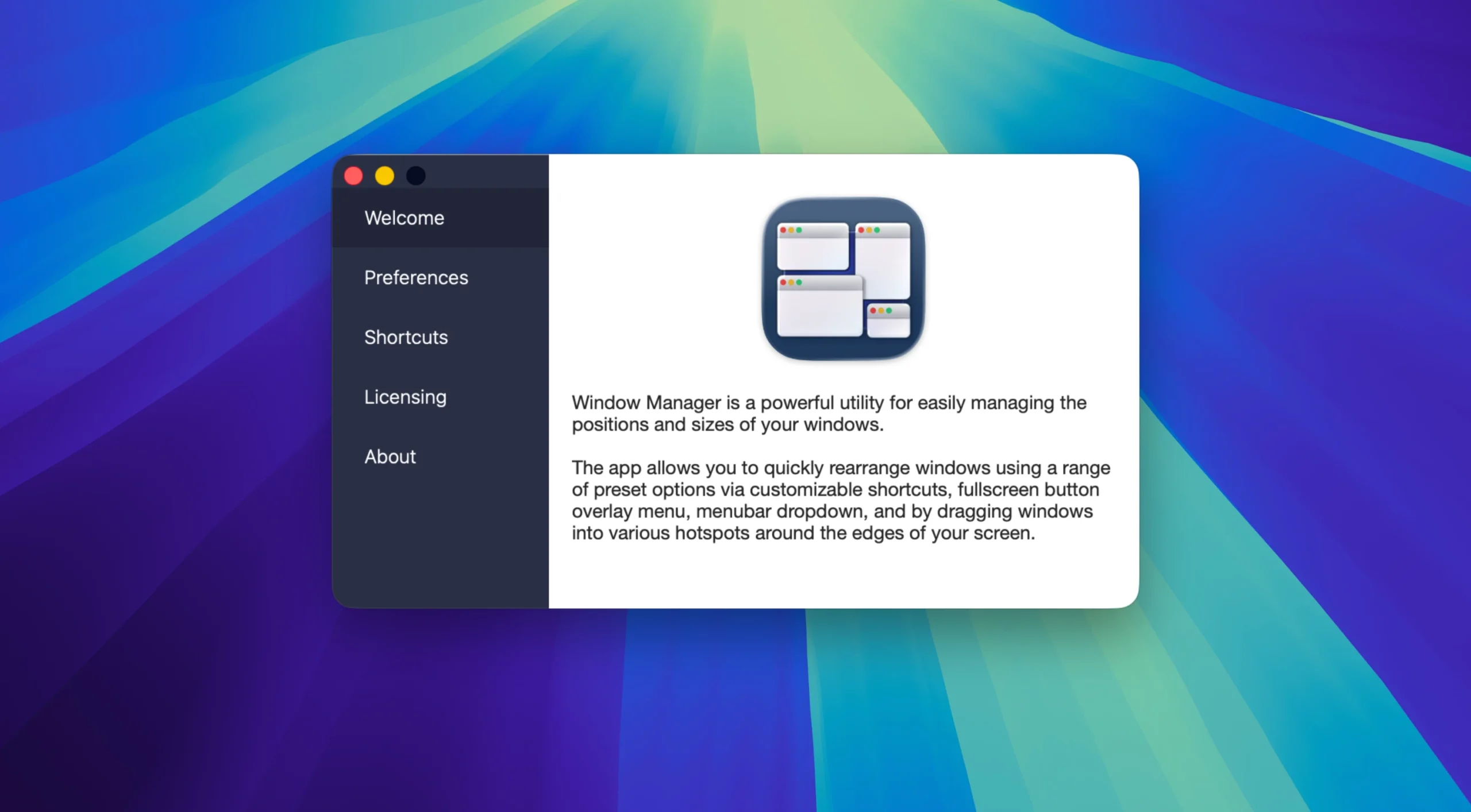
Window Manager is a powerful and elegant window management tool for macOS that lets you quickly move, resize, and arrange application windows using keyboard shortcuts, drag-and-drop, the status bar menu, and the full-screen button overlay.
Features:
• Keyboard shortcuts
Assign any hotkey to instantly move windows: half screen, quarters, thirds, maximize and more – all without a mouse.
• Hot Corners and Edges (Hot Corners / Drag to Snap)
Drag a window to the edge or corner of the screen – it will instantly “stick” to the desired position (half, quarter, third, etc.).
• Menu when hovering over the green button
Hover your cursor over the full screen button and a convenient visual menu with window layout options will appear. Choose with one click.
• Multiple Monitor Support
Fully supports multiple displays. Each monitor has its own independent binding zones.
• Custom sizes
Create and save your own window sizes and positions – accessible via keyboard, hot corners, or menus.
How to install and activate?
Mount the image and run Open Gatekeeper friendly.
Press Enter to bypass Gatekeeper in the Terminal window.
Drag the application to the Applications folder.
The application is ready for use.