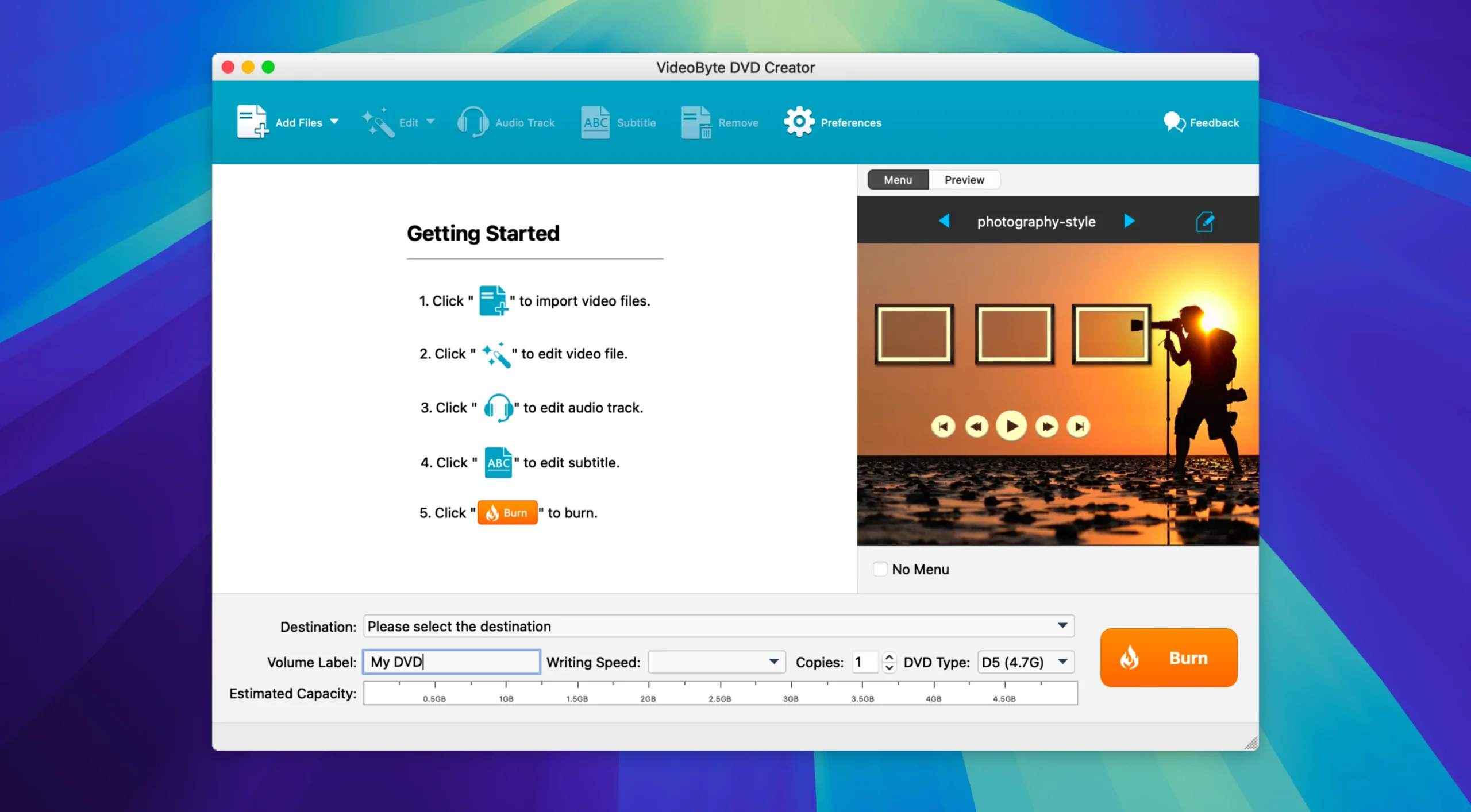
VideoByte DVD Creator 5.2.36 for Mac
VideoByte DVD Creator 5.2.36 for Mac Free Download
VideoByte DVD Creator is a program for creating (authoring) DVDs and Blu-ray discs. It converts various digital video files into formats suitable for burning to physical discs, DVD/Blu-ray folders, or ISO image files.
The program’s primary purpose is to convert downloaded, filmed, or home-made videos into professionally designed discs with menus for viewing on standard DVD players.
Features:
– Burn to various media: Supports burning to blank DVD-5, DVD-9, BD-25, BD-50 discs, as well as creating VIDEO_TS folders or ISO image files.
– Wide range of input formats: Compatible with more than 300 video formats, including popular MP4, MKV, AVI, MOV, WMV and many more, in resolution up to 4K.
-Create custom menus: Provides a set of ready-made menu templates for various themes (wedding, family, travel), and also allows you to add background music and images.
– Built-in video editor: Includes basic editing functions: trimming, cropping, rotating videos, adding watermarks, adjusting brightness/contrast and applying effects.
-Adding subtitles and audio tracks: Allows you to import external subtitles and select the desired audio tracks before burning a disc.
-High Quality: Creates discs with minimal quality loss while maintaining the original video resolution.
The program is positioned as a simple and intuitive solution for those who want to create a movie collection on physical media or make backup copies of important video materials.
How to install and activate?
Mount the image and run Open Gatekeeper friendly.
Press Enter to bypass Gatekeeper in the Terminal window.
Drag the application to the Applications folder.
The application is ready for use.