Typeface 4.3.1 for Mac
Typeface 4.3.1 for Mac Free Download
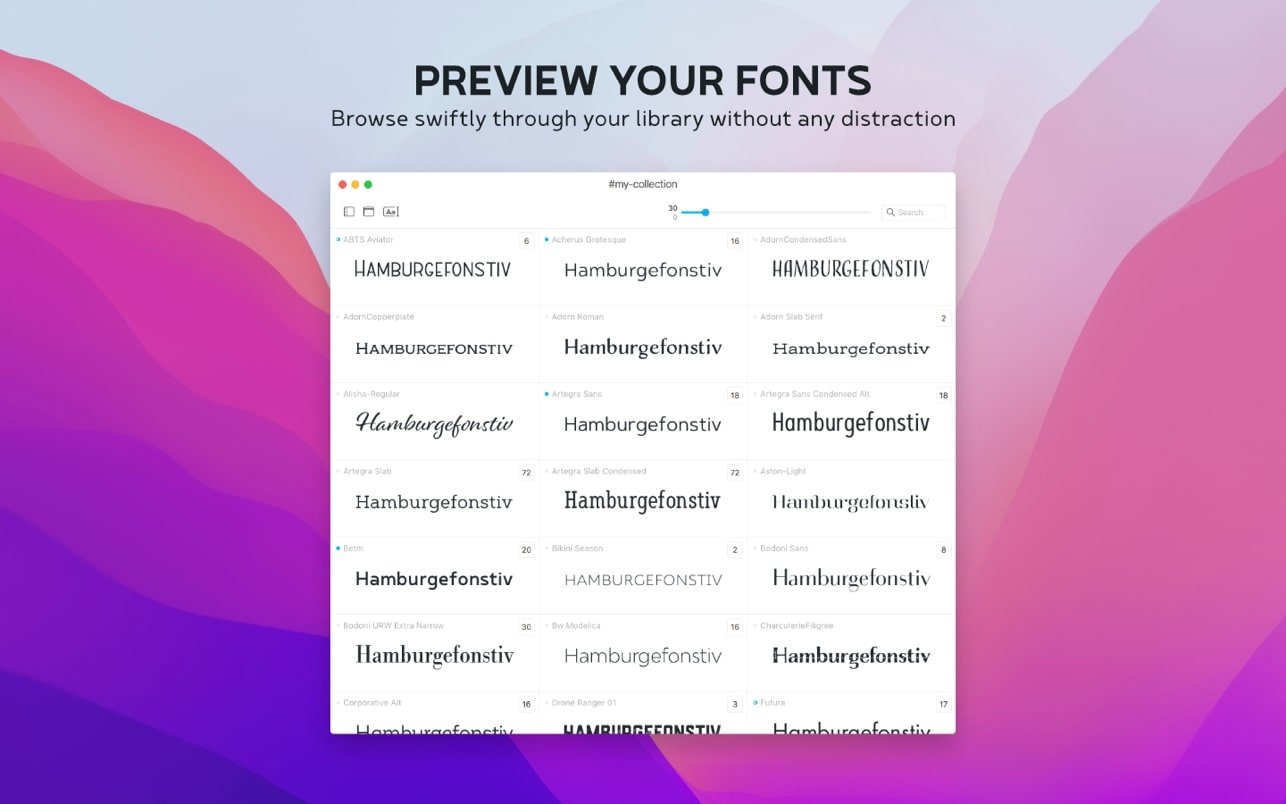
Choosing the right font is vital to the success of any design project. But it’s often more difficult than it seems. Sure, we can almost always tell when Comic Sans won’t cut it. But few of us can intuitively discern when Gill is needed and when Gill Sans. That’s where Typeface comes in. Think of this easy-to-use font manager as a dressing room, where you can preview fonts for your projects and compare them side by side. Built with a customizable library, this app lets you preview fonts at any size, display, or against any text. Whether for business or pleasure, Typeface is a great way to manage and browse font collections to enhance your work.
Flexible font libraries
By default, the app shows you all the fonts installed on your Mac, including custom ones. Most are designed to work across multiple platforms, so you can be sure your work will look consistent on both your computer and mobile device. Fonts can even be grouped by family, so you can find the ones you’re interested in and then compare them with similar ones.
Customizable display
With Typeface, you’ll gain complete control over your fonts’ appearance, comparing them instantly. Adjust size, sample text, weight, and other effects in real time, getting a precise layout of how fonts will appear in your project. Compare individual words and entire sentences in all available fonts, quickly choosing the best option.
Detailed metadata
Click on any font and you’ll find all the information you need to make an informed choice. Each font’s page displays a full set of letterforms, uppercase and lowercase, as well as numbers and special characters. You can view metadata in the info tab, which also includes the copyright history and any tags or groups assigned to the font. This gives you a general overview of any font at any time.
Simple instant comparison
This app makes it easy to compare font options for any project using a seamless grouping system. This feature helps you collect and compare potential fonts across different pages for easy review. The workspace lets you add and remove fonts with a click, focusing on the top contenders. Moving on to the next project? Simply clear your selection and start again.
Importing Made Easy
Typeface seamlessly displays your existing font library, but it’s also ready to expand at any time. Its convenient import feature lets you instantly sync over 2,000 free Google Fonts or download specific ones from the web or other font managers. Using import, you can apply the app’s unrivaled functionality and flexibility to your new fonts.
A collection of smart fonts
Using collections, you can create your own thematic or specific fonts for different projects. With a convenient and flexible tagging feature, you can easily assign a font to more than one group and see where they overlap. Collections are convenient when you’re working with other designers and teams and need to quickly share a set of fonts needed for a given project.
How to install and activate?
Run the downloaded image and drag the application to the Applications folder shortcut.
Once copying is complete, the application can be launched via Launchpad.