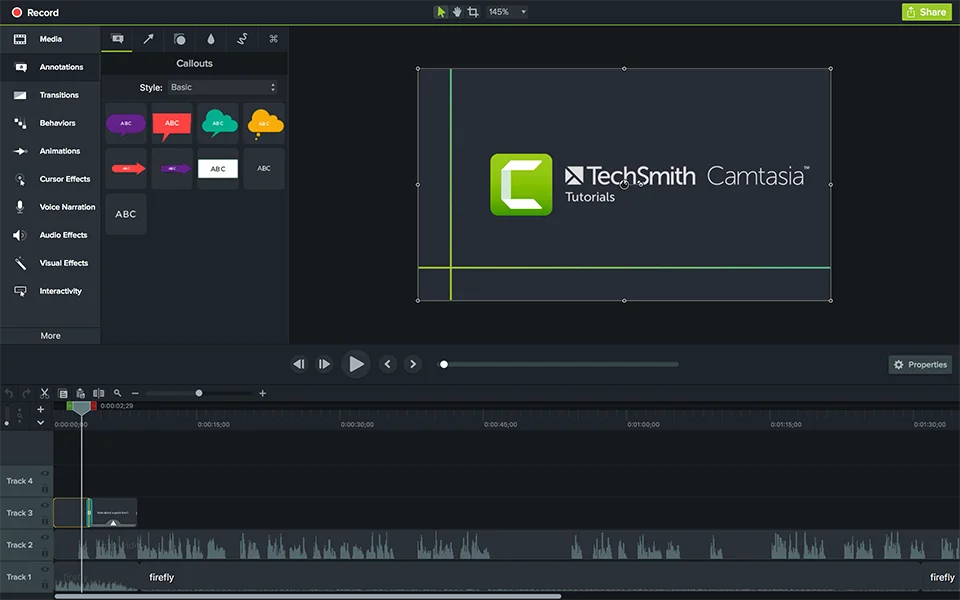
Camtasia is a video editing utility providing screen capturing and recording features with an intuitive and friendly environment. It is a handy screen recording application with support for sharing screencasts. It can capture screenshots as well as FaceTime video and sound from microphone or third party applications. You can capture the whole screen or a specific area. Hotkeys support makes it easy for the users to quick start or stops the recording. It also has the ability to import the previous recordings, photos, and videos and use them in the screen-cast.
Features:
Professional screencast tool
Record screen and capture screenshots
Complete help manual to use tool
FaceTime video and microphone support
Manually select the screen area to record
Hotkeys support to start and stop recording
Import existing music, videos, and photos
Remove unnecessary parts from the videos
Different themes, effects, and backgrounds
Preview effects and transitions before using
SmartFocus to focus and get rid of unwanted distractions
Support for chroma key for video integration
Spotlight and MaskFX to cast light sources
Sharing your videos online
Add sketch motion callouts, annotations, callouts, speech bubbles, and more