SuperDuper! 4.0.5 for Mac
SuperDuper! 4.0.5 MacOS
A disk-cloning utility that writes a bootable copy of your Mac to external storage and keeps it current with incremental updates.
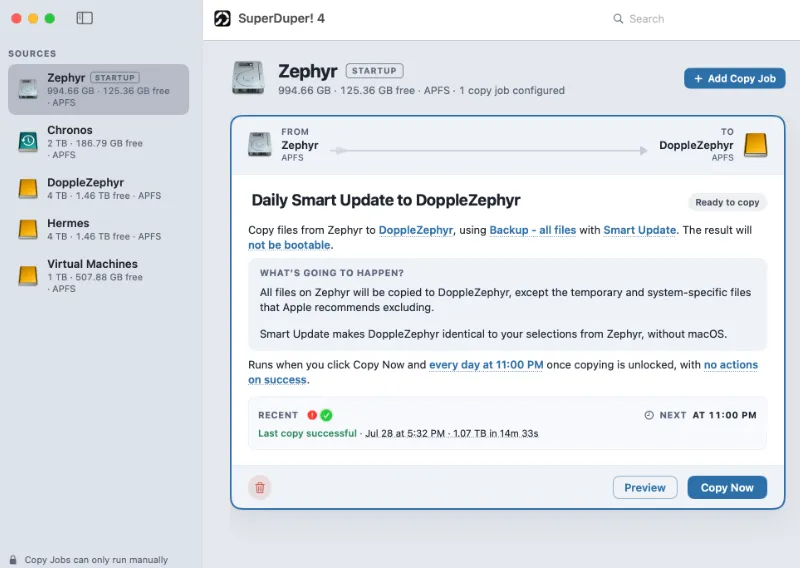
When you open Shirt Pocket’s backup tool, each copy is defined as a job with a plain-English sentence you edit by clicking underlined words. Pick a source volume often your startup disk and a destination on a separate drive, usually USB-C or Thunderbolt SSD. Choose whether the copy should be bootable, then run it once to create the baseline clone.
A successful first run leaves a complete APFS volume you can browse in Finder like any other disk. If bootability is enabled and the destination is a proper SSD—not a thumb drive or SD card you can start up from that volume while your Mac is repaired: on Apple silicon, shut down and hold the power button until Startup Options appears; on Intel Macs, hold Option at startup and pick the backup disk
How do I install and activate?
Run the downloaded image and drag the application to the Applications folder shortcut.
Once the copy is complete, you can launch the application from Launchpad.
Compatibility
macOS 10.13 and later