Rectangle 0.96 For MacOS
Rectangle 0.96 For Mac Free Download
Window management in macOS isn’t always the smoothest or most intuitive experience, despite the number of tools Apple has designed to help you out. If you’re looking for maximum efficiency, keyboard shortcuts have always been quicker, and borrowing an established Windows feature can’t hurt either.
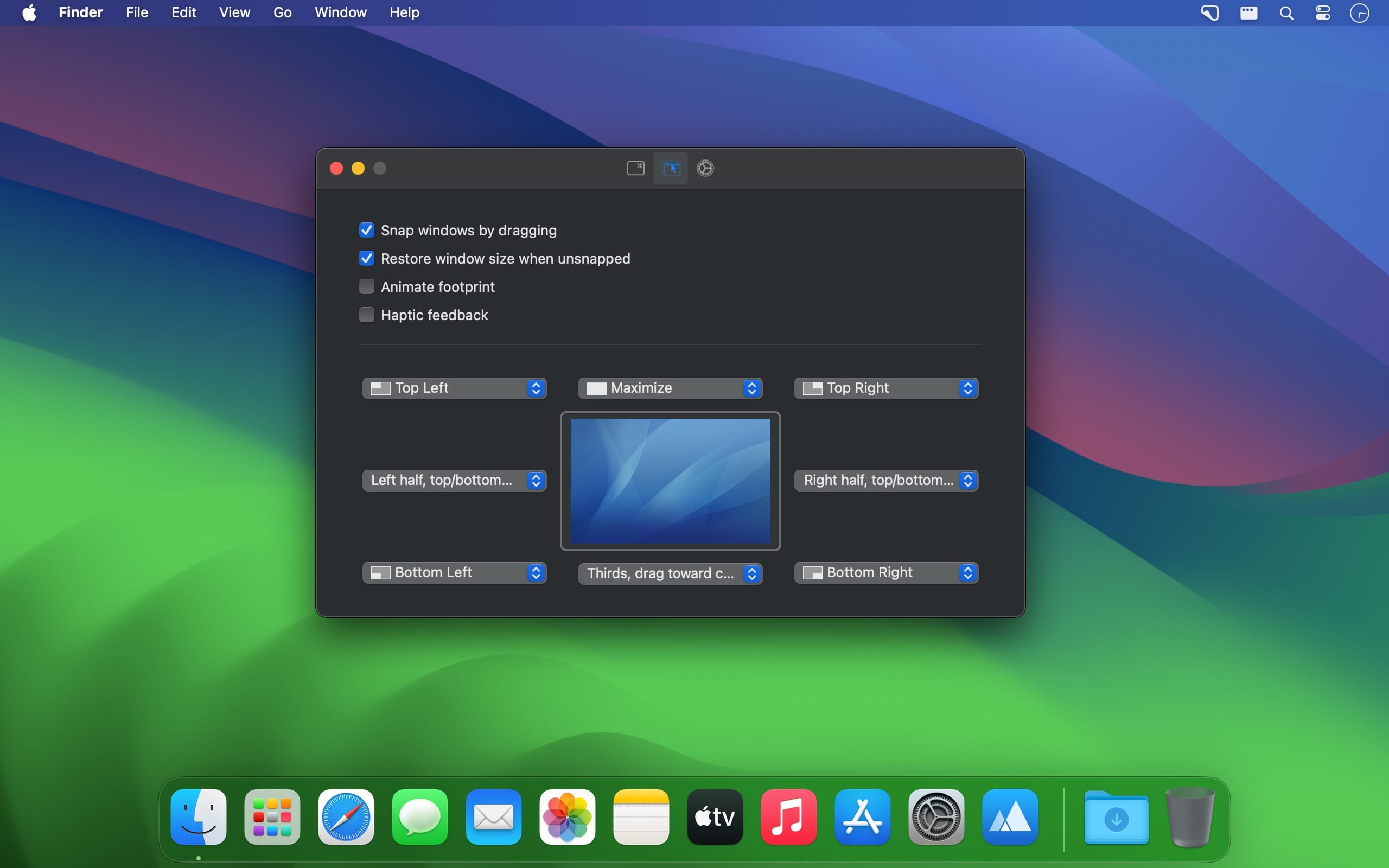
Rectangle can revolutionize macOS window management using both of the above-mentioned methods. It adds customizable hotkeys for moving and resizing windows, in addition to a Windows-like snap assist function that works as well as the original.
This part of the app’s functionality is pretty straightforward. Using key combinations, you can move windows to one half, one corner, or even one-third of the screen, resize them freely, move them to a different display, maximize them, and so on.
All these keyboard shortcuts are fully customizable, so you can define combinations that are easier for you to remember. If you need help at any time, just click the app’s menu bar icon to see a list of all the configured hotkeys.
A similar feature has been available on Windows since Windows 7, and it’s simply too useful not to bring to macOS as well. Essentially, when you drag a window to a certain part of the screen’s edge, it will be moved and resized accordingly.
Features
- When you have displays have separate spaces turned off, there’s now a checkbox to treat all displays as one.
- Now you can assign multiple window actions to the same keyboard shortcut to cycle through each action on repeat executions.
In the ellipsis button in the General tab, you can configure windows that are placed directly on top of other windows to have an offset. It’s particularly nice when there’s a gap between windows configured. - Bug fix for snapping not working after sleep.
- Added icons to menu items in the menu bar menu.
- Localization updates.