RecoveryTools zMigrator 12.0
RecoveryTools zMigrator 12.0 Free Download
The Zimbra email client had a tumultuous life as its parent company was sold, resold, and transferred until the mail service was discontinued, relaunched, and buried again. Despite not being the most popular email client, people still used it.
If you are a formed Zimbra user and have important information stored within the client, you might want to check zMigrator out. This lightweight tool should allow one to extract and migrate mailbox contents to various email formats.
Zimbra is used to store data within a server or cloud. It comes down to the user to know this aspect and select the storage environment from where emails are going to be migrated.
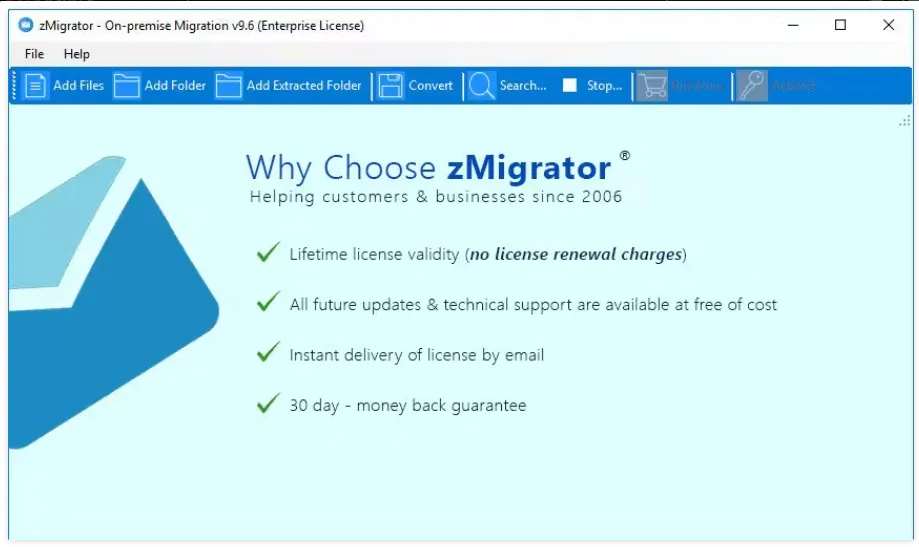
zMigrator’s interface was built to walk the user through the extraction and migration processes. It might look crude for some individuals, but this is not a “wall hanger”, it is a practical tool that would get the job done without emphasizing too much on the looks.
Adding files from the storage environments is very easy. Use the blue ribbon to load up files or folders. A preview area will provide you the means of an examination of targeted emails. Details like subject, body, and attachments can be verified upon loading.
Features
- Export multiple Zimbra Desktop TGZ emails to Mac Mail in batch Mode.
- Import orphaned Zimbra TGZ files to Mac Mail without extracting TGZ.
- No Zimbra or Mac Mail installation is required for the email conversion.
- 10+ File Naming formats are provided to save emails of Zimbra to EMLX.
- Save resultant *.emlx files at the user’s desired location on the PC to access them easily.
- Maintain Zimbra ZCS and Desktop Emails folder structure and elements.
- Support All Microsoft Windows Operating Systems including Windows 10.