Performance Test Benchmark 4.4.1 for Mac
Performance Test Benchmark 4.4.1 for Mac Free Download
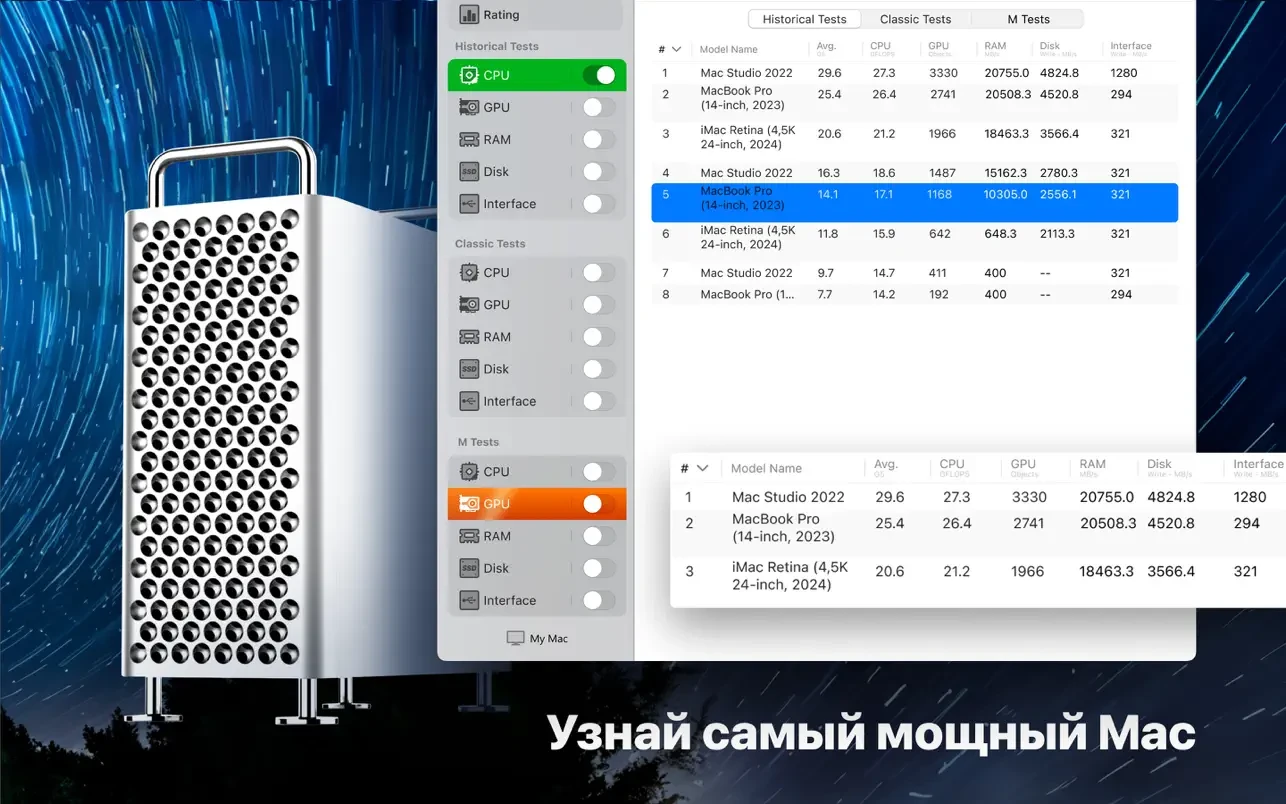
The app is designed to let you compare your Mac with other macOS devices and evaluate the performance and efficiency of different configurations.
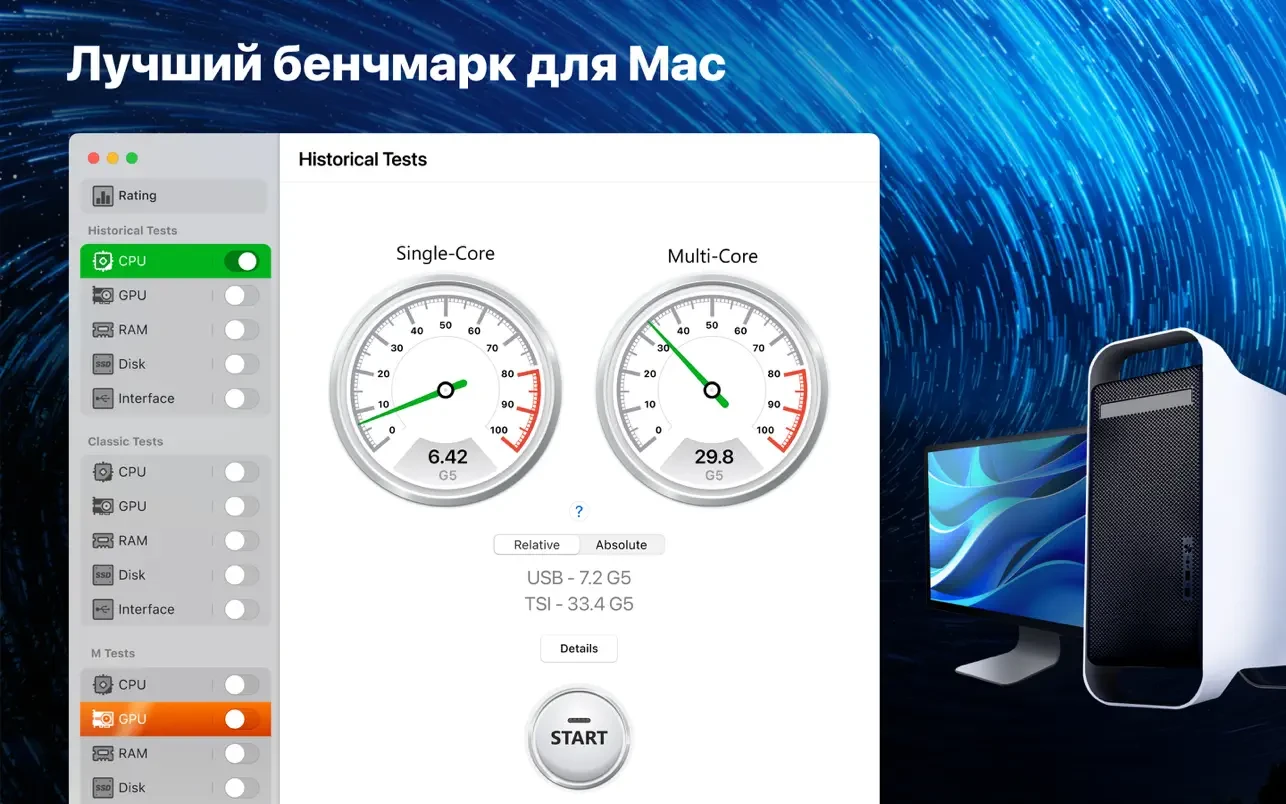
Since we’re talking about 64-bit system performance, we’ve used Apple’s very first 64-bit computer, the legendary Power Mac G5, first introduced by Steve Jobs in June 2003, as our benchmark.
The Power Mac G5, based on PowerPC processors, proved so powerful and energy-efficient that in the fall of 2003, a group of student enthusiasts unveiled the System X supercomputer, which combined 1,100 of these systems. This supercomputer became a sensation and entered the top three in the world rankings.
Such a result would be impossible today: if a similar configuration were assembled from 1,100 top 64-bit systems, the resulting supercomputer would not even make it into the TOP-100.
Using our app, we can help you find out how many legendary Power Mac G5s are in your Mac. You can also compare your Mac to a Mac Pro with an Intel processor, as well as to new Mac devices with Apple’s own M1 chip.
How to install and activate?
Mount the image and run Open Gatekeeper friendly.
Press Enter to bypass Gatekeeper in the Terminal window.
Drag the application to the Applications folder.
The application is ready for use.