PDFify 5.2 for Mac
PDFify 5.2 for Mac Free Download
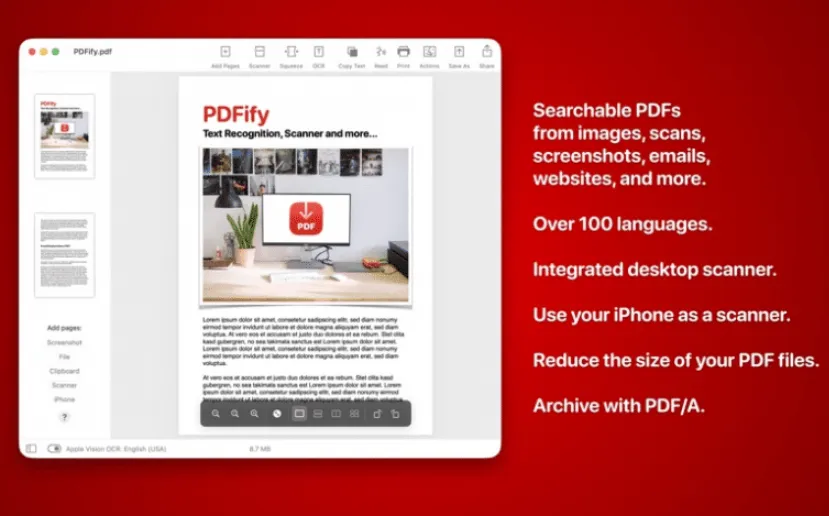
A macOS utility that turns paper scans, photos, emails, and web pages into searchable PDFs so you can find text later instead of retyping or hunting through image-only files.
Dirk Holtwick’s app sits between a scanner and a finished archive. You drag a JPG, PNG, existing PDF, mail message, or webpage onto the window—or capture pages from Continuity Camera, a desktop scanner, or ScanSnap—and PDFify applies OCR when the page has no text layer. Recognition uses either Apple Vision or the bundled Tesseract engine (Tesseract 5 on Apple Silicon since the 5.0 line), covering well over a hundred languages according to the vendor. When text already exists, you can still force a full-document OCR pass and compare settings. One click copies the recognized text; Speech can read it aloud. Undo covers recent steps if a compression or OCR pass goes wrong.
How do I install and activate?
Mount the image and launch Open Gatekeeper Friendly.
Press Enter to bypass Gatekeeper in the Terminal window.
Drag the application to the Applications folder.
The application is ready to use.
Compatibility
macOS 10.13.6 and later