MouseBoost Pro 5.2.5 for Mac
MouseBoost Pro 5.2.5 for Mac Free Download
A Finder Sync extension for macOS that replaces a sparse system right-click menu with a configurable stack of file, image, PDF, terminal, and automation actions—aimed at developers, designers, and power users who live in Finder.
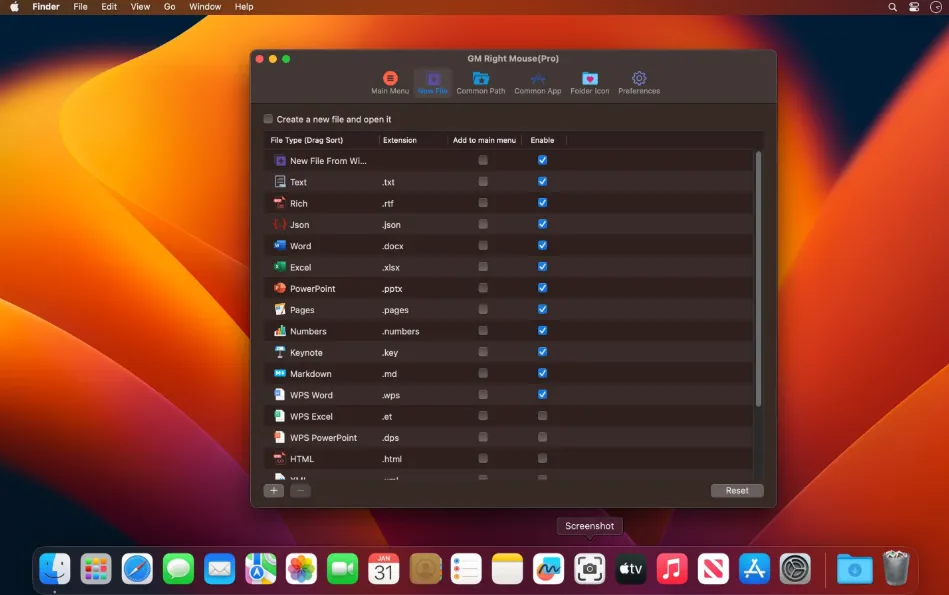
After enabling the Finder extension in System Settings, right-click (or use configured shortcuts) on files and folders to reach dozens of utilities without opening separate apps. Common actions include true Cut-and-Paste for Finder moves, opening folders in Terminal, iTerm2, Warp, Ghostty, Kitty, or other shells, creating files from templates, copying paths in multiple formats, batch renaming, and launching favorite apps or directories from the menu.
Image and document tools cover format conversion, resizing, AI background removal, cropping presets, rotation, compression, icon batch recolor, stitching, watermarks, OCR from PDFs and scans, PDF merge/split, and Office-to-PDF export. Additional utilities include duplicate finding, encrypted ZIP creation, file locking, hide/show files, color picker, custom folder icons, app uninstall cleanup, and a clipboard history panel with iCloud sync for settings.
How do I install and activate?
Mount the image and launch Open Gatekeeper Friendly.
Press Enter to bypass Gatekeeper in the Terminal window.
Drag the application to the Applications folder.
The application is ready to use.
Compatibility
OS X 10.11 and later