extraDock 4.3.2 for Mac
extraDock 4.3.2 for Mac Free Download
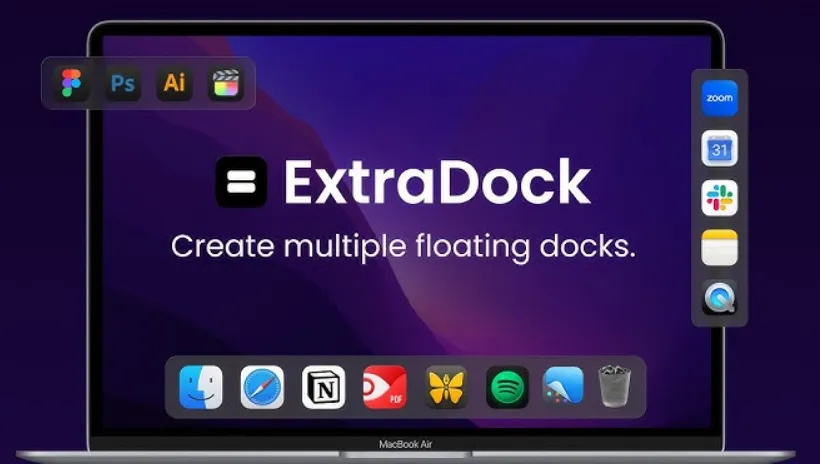
A lightweight macOS utility that adds extra floating docks you can pin to any screen edge or position, so multi-monitor setups no longer depend on a single system Dock that jumps between displays.
Apple’s Dock lives on one active screen at a time. On a laptop plus external monitor, or a three-display desk, that means either keeping launchers on the main display or chasing the Dock as the cursor moves. ExtraDock sidesteps that limit by letting you create as many independent docks as you need, each with its own apps, folders, layout, and behavior.
You can run it alongside the native Dock or hide Apple’s Dock and rely on ExtraDock entirely. Live Dock mirrors your system Dock on another screen; Dock Awareness shows only apps running in the current Space. Either approach keeps frequently used tools within reach without crowding one bar.
How do I install and activate?
Run the downloaded image and drag the application to the Applications folder shortcut.
Once the copy is complete, you can launch the application from Launchpad.
Compatibility
macOS 12 and later