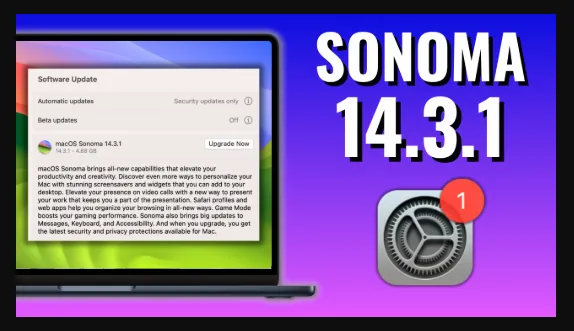
macOS Sonoma 14.3.1 (23D60) Multilingual
macOS Sonoma 14.3.1 (23D60) Multilingual
Description
Apple has given a preview of this year’s Mac operating system, macOS Sonoma, which has plenty of cool new features, from Safari enhancements to new screensavers, from video conferencing to improved gameplay. Here are 10 of the best features in macOS Sonoma that you’ll be able to try out in the fall.
1. Desktop widgets
macOS Ventura lets you configure widgets that display when you activate Notification Center. In macOS Sonoma, you will be able to view these on the Desktop of your Mac at all times. You can also set widgets to fade in the background, so they’re not too distracting. But it gets better. If you have an iPhone nearby, or on the same Wi-Fi network, you will also be able to use widgets that you have configured on your iPhone. This gives you access to many more widgets and much more information on your Mac.
2. Safari profiles
If you use your Mac for both work and for personal activities, it can be confusing when all your bookmarks, favorites, and extensions are mixed up. Safari profiles allow you to create separate profiles for different activities. You can have one for work and one for leisure, or, if you’re a freelancer, have one profile for each client. Profiles can also be activated with Focus modes, so you can switch automatically when you enable a Focus.
Homepage
https://apps.apple.com/
| Name: | macOS Sonoma 14.3.1 (23D60) Multilingual_AIO_No_Account_sadeempc.com.dmg |
|---|---|
| Size: | 1 GB + |
| Files | macOS Sonoma 14.3.1 (23D60) Multilingual_AIO_No_Account_sadeempc.com.dmg [1 GB +] |