LookAway 2.2.2 For MacOS
LookAway 2.2.2 For Mac Free Download
Spending hours in front of a computer monitor every day can take its toll on your eyes, which aren’t really built for it. Taking regular breaks is recommended, but it’s also something you easily forget when you’re concentrating on your work or having fun.
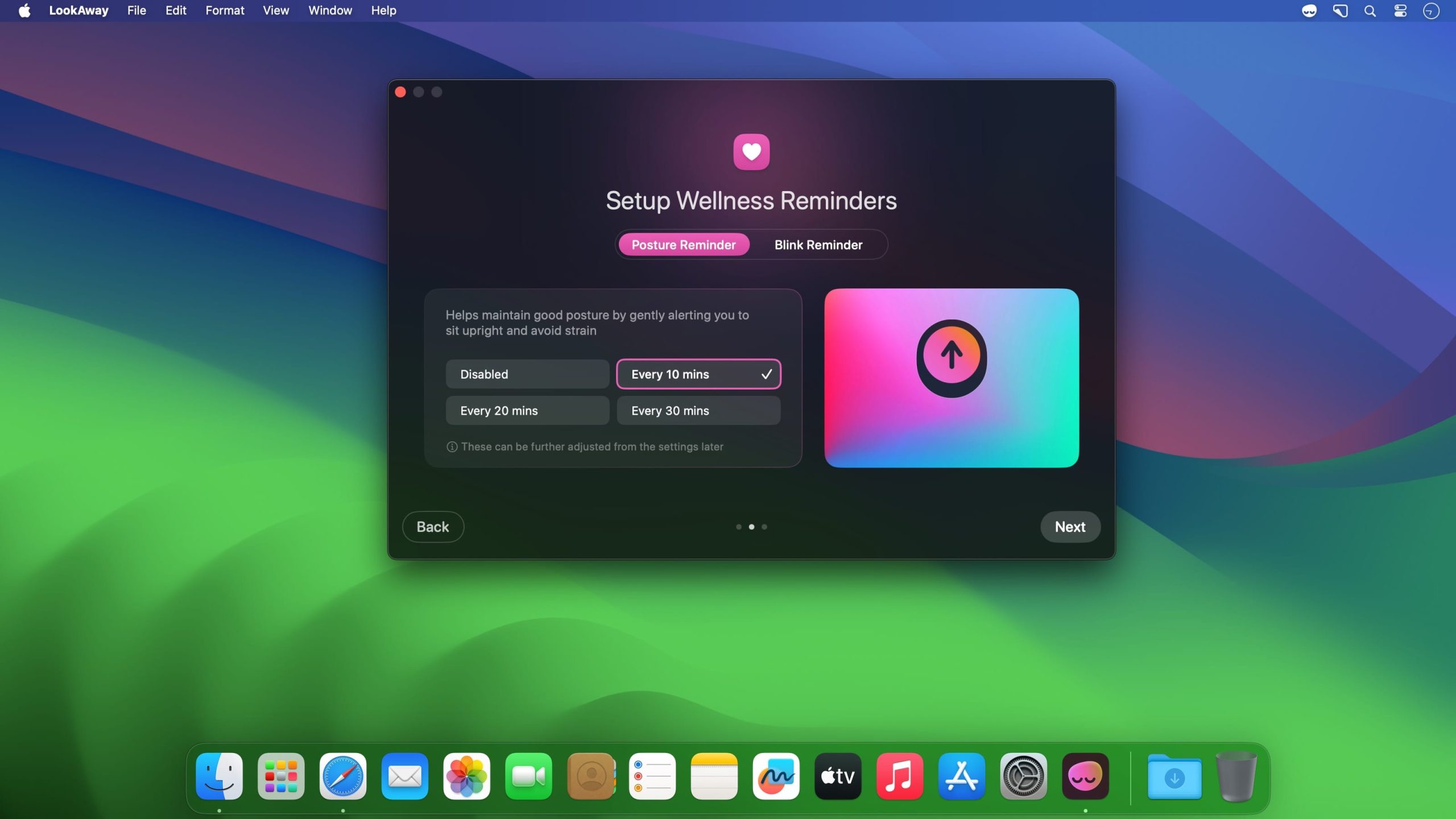
LookAway is a break reminder similar to many others, but it’s a bit more approachable, customizable, and easier to live with. It allows you more flexibility when it comes to taking your breaks, and it even gives you a heads-up so you can finish anything important.
Features
This update adds Planned Breaks, improves smart pausing, and fixes a few small issues:
- Added Planned Breaks: breaks that happen at a fixed time you choose, like a lunch pause or an afternoon walk. Set them up under Settings → Screen Breaks → Planned breaks.
- Improved meeting detection so breaks resume more reliably after a call ends.
- The countdown icon in the break reminder now reflects your current activity.
- Custom break durations can now be set in hours.
- Skipping a break no longer shows a warning, so it is quicker to dismiss.
- Restored the edit menu in custom break messages so you can copy and paste.
- Long breaks can now be dismissed with a double Escape.
- Fixed a few licensing issues.
- Cleaned up the menu bar menu by removing some extra items.
- Other small improvements and enhancements.