HTTrack 3.49.2
HTTrack 3.49.2 Download
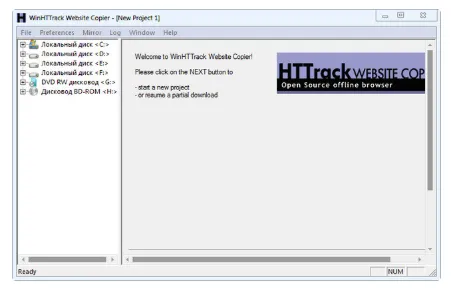
It allows you to download a World Wide Web site from the Internet to a local directory, building recursively all directories, getting HTML, images, and other files from the server to your computer. HTTrack arranges the original site’s relative link-structure. Simply open a page of the “mirrored” website in your browser, and you can browse the site from link to link, as if you were viewing it online. HTTrack can also update an existing mirrored site, and resume interrupted downloads. HTTrack is fully configurable, and has an integrated help system.
Features
It comes packed with helpful functions that make website copying smooth and convenient. Its features focus on speed, control, and accuracy, ensuring you get a complete offline version of any site you choose.
- Downloads complete websites for offline use
- Maintains original link and file structure
- Let’s you pause and resume downloads anytime
- Supports updates to previously mirrored sites
- Fully configurable settings for advanced users
- Includes an integrated help system
- Works with images, HTML files, and various media types
- Compatible with multiple Windows versions
- Provides easy navigation through mirrored sites
- Suitable for research, backups, and offline study