DaVinci Resolve Studio v21.0 beta 4 for Mac
DaVinci Resolve Studio v21.0 beta 4 for Mac Free Download
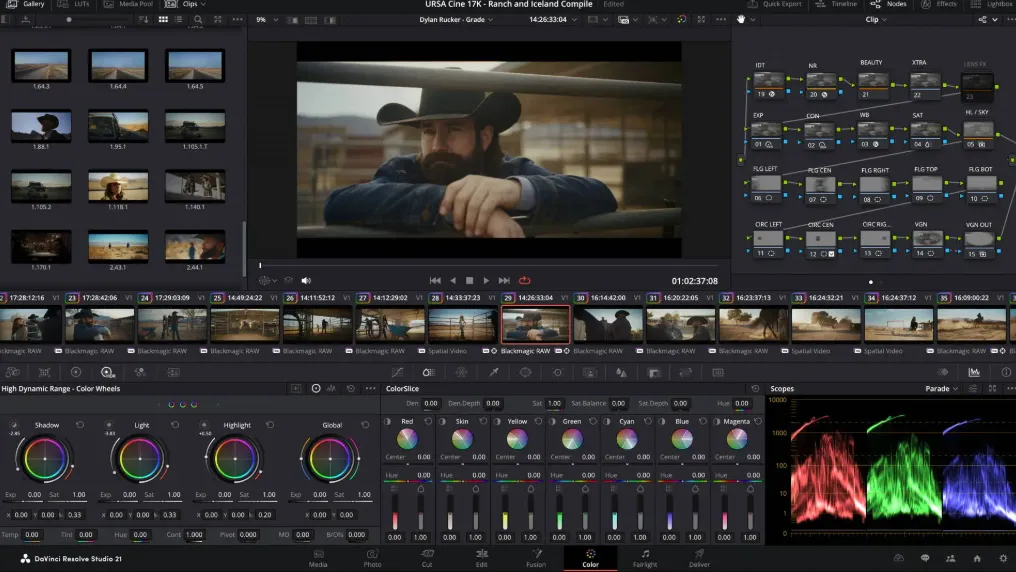
DaVinci Resolve Studio is Blackmagic Design’s paid, all-in-one post-production application for Mac: Cut and Edit timelines, Fusion VFX, Color grading, Fairlight audio, and Deliver plus in version 21 a dedicated Photo page for still-image finishing with the same node-based grading toolset.
Resolve is built around pages rather than separate apps. You assemble on Cut or Edit, grade on Color, composite in Fusion, mix on Fairlight, and export from Deliver without round-tripping XML or rendered intermediates. Blackmagic Cloud and multi-user projects let teams share bins, grades, and timelines when a facility runs collaborative workflows.
How do I install and activate?
Remove the problematic Resolve Studio: Run the Uninstall Fairlight Audio Accelerator and Uninstall Resolve from the DaVinci Resolve folder. To completely remove Resolve Studio, including settings and projects, we recommend using App Cleaner and Uninstaller. However, be careful and back up your projects and settings.