Crimson Desert 2.00.01
Crimson Desert 2.00.01 for Mac
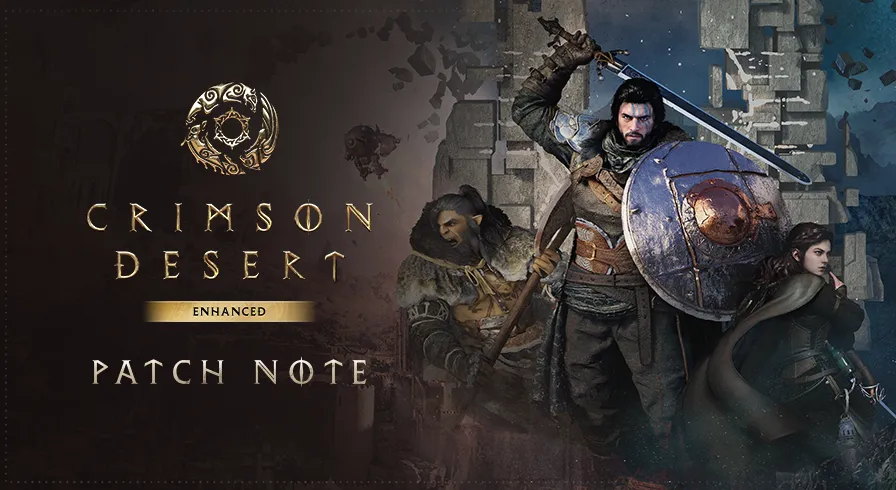
An open-world action-adventure set on Pywel, where Kliff tries to rebuild the Greymanes after a night raid.
Combat, mounts, and life between fights
You start as Kliff after the Black Bears scatter his mercenary company. The loop is travel, fight, and pick up the pieces: main quests push the story through wilderness, cities, ruins, and the Abyss, while side work and gathering fill the gaps. Combat is a skill-and-weapon kit—swords, spears, greatswords, axes, dual wields, bows combined in short, readable exchanges rather than a lock-on lockstep. Mounts range from horses to flying beasts and machines; you can climb and glide between landmarks. Between set pieces you cook, fish, hunt, dye outfits, and waste time on local minigames. Two more playable characters unlock later, each with a different kit.
The live Enhanced campaign already reworked story flow, added extra voice languages, and changed how skills are learned (shared Abyss Link, per-character resets). Patch 2.00.01 is a follow-up hotfix, not a content drop. If Steam Mac would not launch, or you hit the documented display and frame problems, install it and keep playing the same campaign.
Mac hardware and which store to use
Steam’s Mac minimum is macOS 15, 16 GB of unified memory, about 150 GB on an SSD, and an M2 Pro, M3, or M4. Recommended chips start at M3 Pro / M4 Pro / M5. Intel Macs are out. The Mac App Store listing mentions M1 compatibility in the store chrome, but the playable preset still points at M2 Pro and up—treat the Steam table as the honest floor. A Steam purchase covers Windows and Mac; the App Store copy is Mac-only at the same $69.99 list price.
Buy this if you want a large open-world action game on a recent Apple silicon Mac and can spare the disk. Skip it on a base M1/M2 laptop or an Intel machine. Controller or keyboard both work; the limiter is GPU and storage, not a missing permission toggle.
How do I install and activate?
Run the downloaded image and drag the application to the Applications folder shortcut.
Once the copy is complete, you can launch the application from Launchpad.