WindowSwitcher 1.8 for Mac
WindowSwitcher 1.8 for Mac Free Download
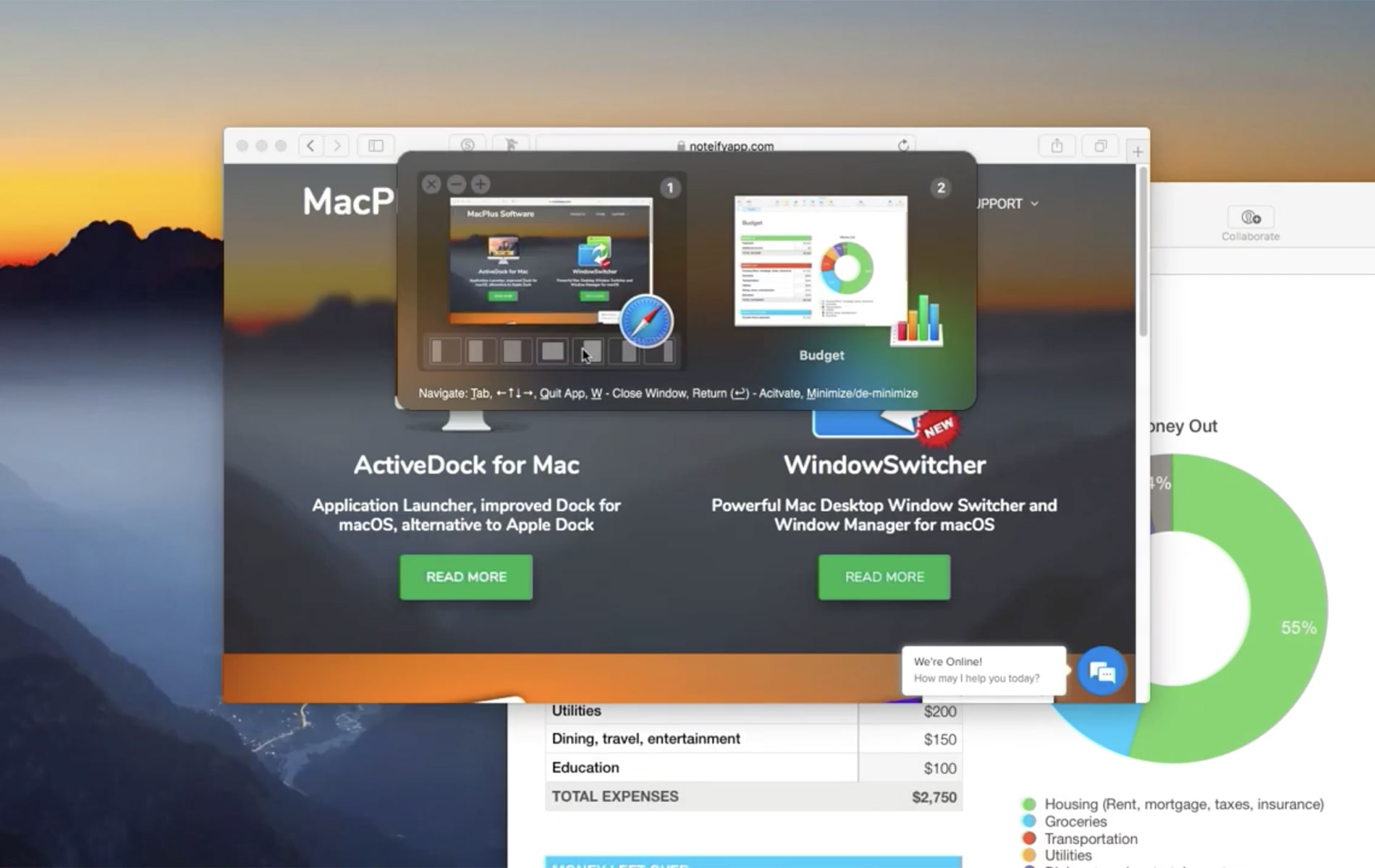
WindowSwitcher – allows you to quickly find and switch between open application windows (all windows, only active windows, active application windows) and manage the position of windows on the screen, for example, directly from the window list, place the Safari window on the left and the Pages window on the right, thus conveniently searching and annotating information on the Internet.
Switching between windows on macOS isn’t very convenient. With WindowSwitcher, you can use Cmd+Tab to switch to the desired application, then Cmd+window number or Cmd+arrow keys to switch to the desired window of the selected application. The window management tooltip is always at the bottom of the main window.
Application window display options:
List/Compact List – if you prefer minimalism and focus on window titles
Grid – a grid with window thumbnails is displayed on the screen (very convenient for managing thumbnails of open windows)
Animated 3D is a very beautiful and effective display mode (12 thumbnail display options are available)
How to install and activate?
Run the downloaded image and drag the application to the Applications folder shortcut.
Once copying is complete, the application can be launched via Launchpad.
Official updates may cause activation loss.