Screens 5.8.12 for Mac
Screens 5.8.12 for Mac Free download
A cross-platform VNC client for Mac, iPhone, iPad, and Vision Pro that lets you observe or fully control remote computers as if you were sitting in front of them.
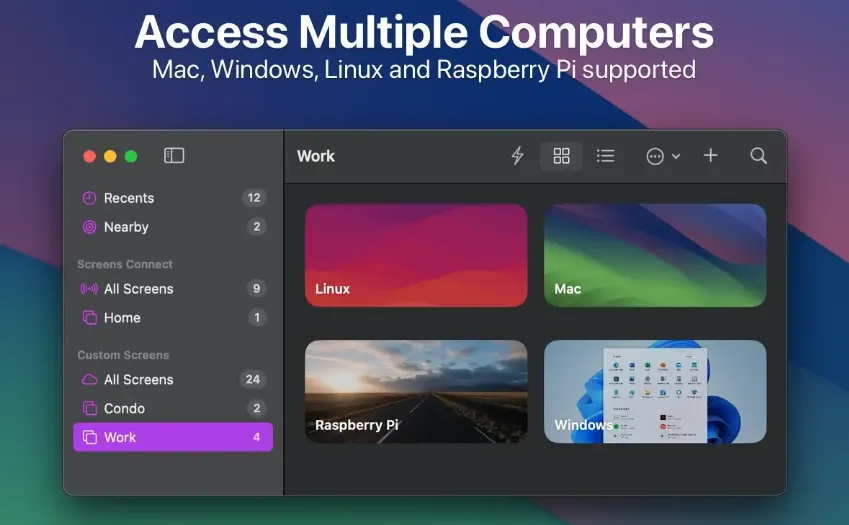
Screens from Edovia targets remote workers, server admins, and anyone supporting family Macs from afar. Install Screens Connect on a Mac or Windows PC at home, sign in with a Screens ID, and reach that machine over the internet without manual port forwarding. On the local network, Screens discovers nearby hosts automatically; for Linux and Raspberry Pi, Tailscale integration offers a simpler secure path than opening VNC ports manually.
How do I install and activate?
Run the downloaded image and drag the application to the Applications folder shortcut.
Once the copy is complete, you can launch the application from Launchpad.
Compatibility
macOS 14 and later