SaneClip 2.3.21 for Mac
SaneClip 2.3.21 for Mac Free Download
A privacy-first clipboard history manager for Mac that stores copied text and images on device, with optional iCloud sync through your own Apple account rather than vendor servers.
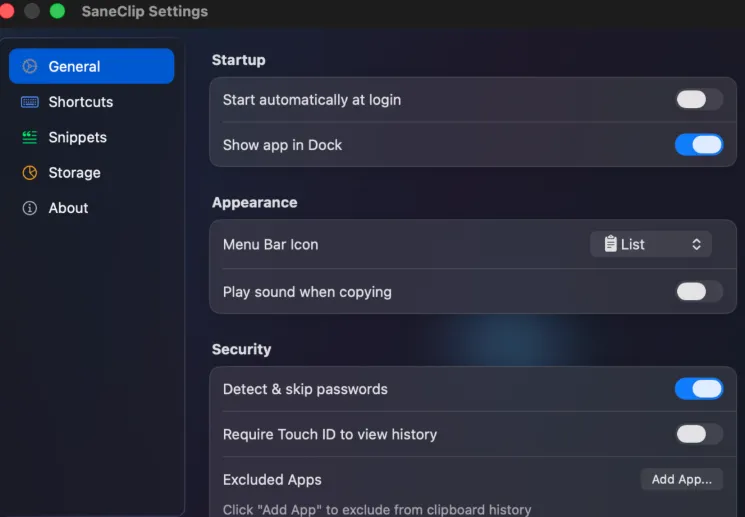
SaneClip runs from the menu bar and records what you copy so you can search, pin, and paste older clips again. The default shortcut opens history at the cursor or menu bar icon; number shortcuts paste recent items without opening the panel. For longer sessions, a detachable floating history window supports keyboard navigation, filters, drag-out to other apps, and a live preview pane in Pro.
The design assumes sensitive data on the clipboard: copies from common password managers can be excluded automatically, and Pro can detect and auto-purge patterns such as credit cards or tokens on a schedule you set. History can be locked behind Touch ID or your Mac login password, and Pro adds AES-256-GCM encryption at rest with keys in the system keychain.
How do I install and activate?
Run the downloaded image and drag the application to the Applications folder shortcut.
Once the copy is complete, you can launch the application from Launchpad.
Compatibility
macOS 15 and later