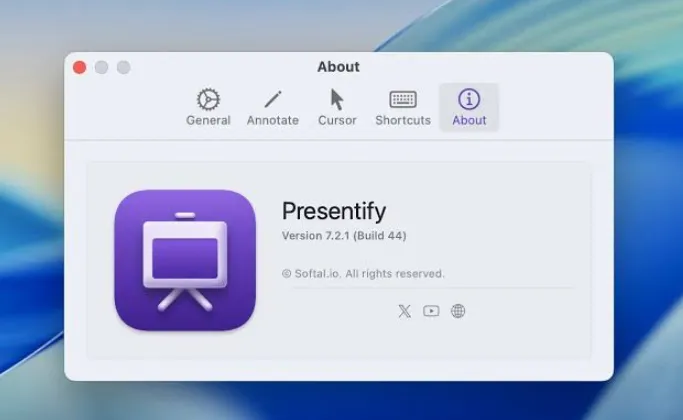
Presentify 8.1.2 for Mac
Presentify 8.1.2 for Mac Free Download
A macOS overlay tool for annotating whatever is on screen during presentations, tutoring sessions, and remote meetings without switching out of your current app.
When you share your Mac in Zoom, Google Meet, Teams, or OBS, viewers often lose track of the cursor or miss fine UI details. Presentify sits above other windows and adds drawing, highlighting, and magnification on demand. You can sketch arrows and boxes over PDFs, slides, websites, or video, then hide annotations when you need a clean screen again. A floating control panel switches tools and colors; you can drag it aside or hide it entirely during recordings.
How do I install and activate?
Run the downloaded image and drag the application to the Applications folder shortcut.
After copying is complete, you can launch the application from Launchpad.
When you first launch the application, close it using Activity Monitor and then reopen it.