Kaleidoscope 6.7 for Mac
Kaleidoscope 6.7 for Mac Free Download
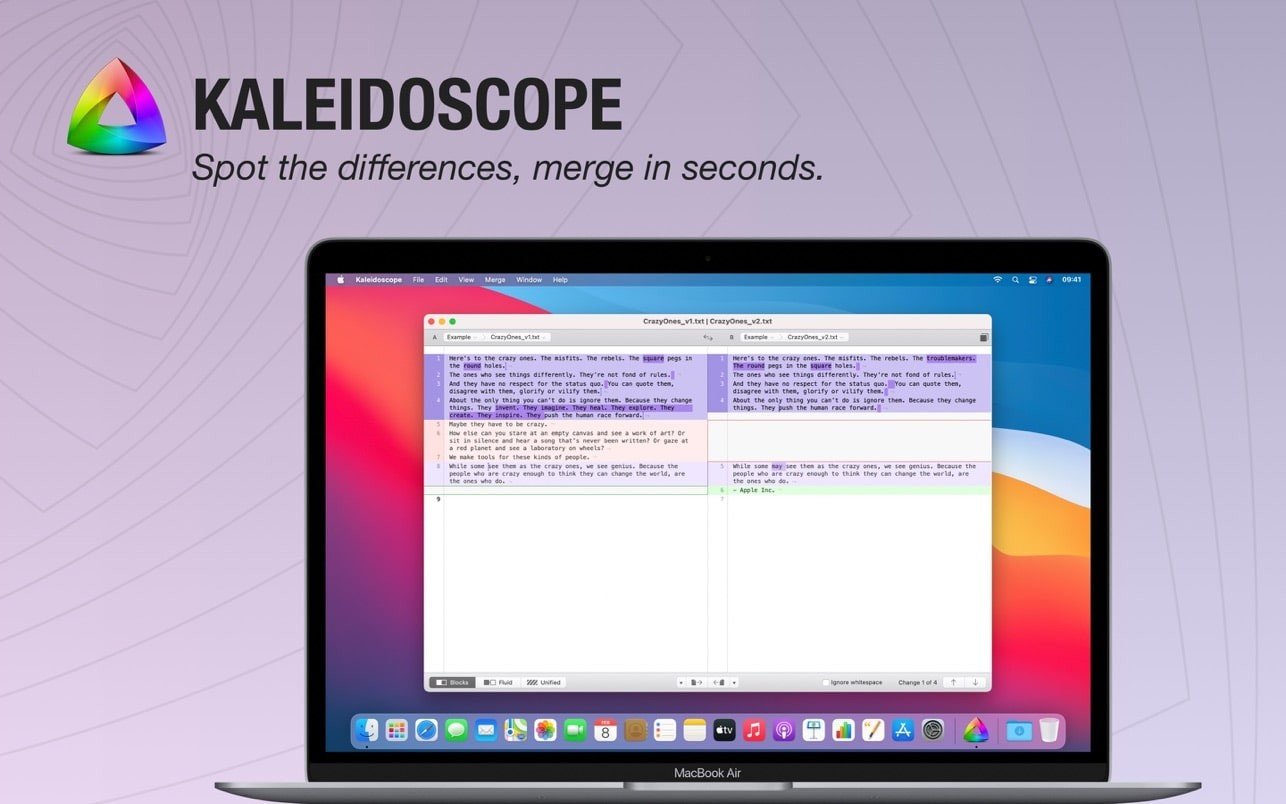
Kaleidoscope is an application designed to compare text or graphic files and quickly find differences in them.
The scope of the program is extremely clear.
If you’re a programmer, Kaleidoscope will always let you see the differences in code between two file versions. Added lines will be highlighted in green, deleted lines in red, and modified lines in blue. This is especially useful when several people are working on a project and you need to know what a colleague has done.
Photographers and designers will appreciate Kaleidoscope’s graphic file comparison capabilities. Images of various formats can be input and viewed in several modes.
General features:
One tab to compare two files
Any number of files in one tab
Automatic accounting of all changes
Quickly navigate between files
File system path navigator
Hotkeys for each function
Text:
Support for Plain text, source code, HTML, etc.
Import text from .DOC and .RTF documents
Three layouts: blocks, movable and combined
Rapid transition from change to change
Adding, deleting and editing text
Purity of comparison
Instant search
Images:
Support for popular formats: JPEG, TIFF, PNG, PSD and others
Layouts: double, single, combined and difference
Palette: RGB / CMYK / LAB, alpha, any size
Multi-touch: Smooth scrolling, pinch to zoom
Change background color, masks, and more
Customizable masks: absolute or relative changes
Integration:
Git, Mercurial, SVN & Bazaar
Versions
TextMate SVN
Cornerstone
ksdiff command line
How to install and activate?
Run the downloaded image and drag the application to the Applications folder shortcut.
Once copying is complete, the application can be launched via Launchpad.