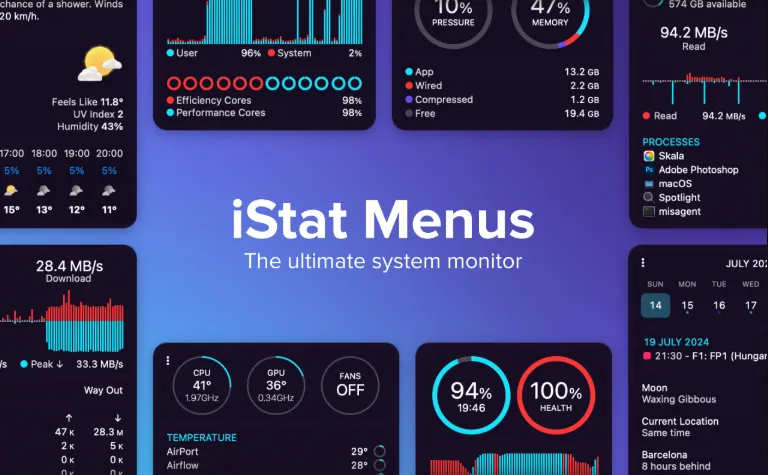
iStat Menus 7.50
iStat Menus 7.50 for Mac
Menu-bar gauges for CPU, GPU, memory, disks, network, sensors, battery, weather, and time sit on macOS so you can watch load without opening Activity Monitor.
Turning items on and reading them
Open the preferences window, pick an icon in the sidebar, and flip the large switch at the top. Option-click those icons to toggle modules without leaving the list. Each module has its own menu-bar recipe: CPU can show per-core graphs, a pie, a history strip, a percentage, or a label. Add or remove pieces with the plus button, then click a piece for its popover. Command-drag the live chips in the system menu bar to change order. On a laptop, Combined mode is usually the first try: one compact icon in the bar, with the rest of the stats waiting in the dropdown so notch space stays usable.
Sensors, fans, weather, and astronomy
Sensors list temperatures, fans, frequencies, voltages, and power where the Mac exposes them. On Apple Silicon, the vendor documents extra frequency and sensor coverage; GPU memory, temperature, and frequency appear on supported hardware. Direct downloads can ramp or switch fans from temperature and battery state. The Mac App Store build cannot control fan speeds, and some stats there need the iStat Menus Helper. Battery chips change look while charging or draining and can show AirPods, Magic Mouse, Magic Trackpad, and other Bluetooth devices.
Who should buy which build
The website ZIP needs macOS 11 or later, includes a 14-day trial, and is the path if you want fan curves. Recent iStat Menus 6 buyers may qualify for a free or discounted 7 license. The App Store copy is USD 11.99, requires macOS 14, and is the easier install if you skip fans. Setapp also carries the app for USD 9.99 per month with a large app bundle. Activity Monitor and Control Center already show CPU and battery; this product is for people who want those numbers, plus disks, S.M.A.R.T., per-app bandwidth, and custom clocks, visible all day. The preferences surface is dense. If you only wanted a clock or a single temperature, the setup will feel like overkill.