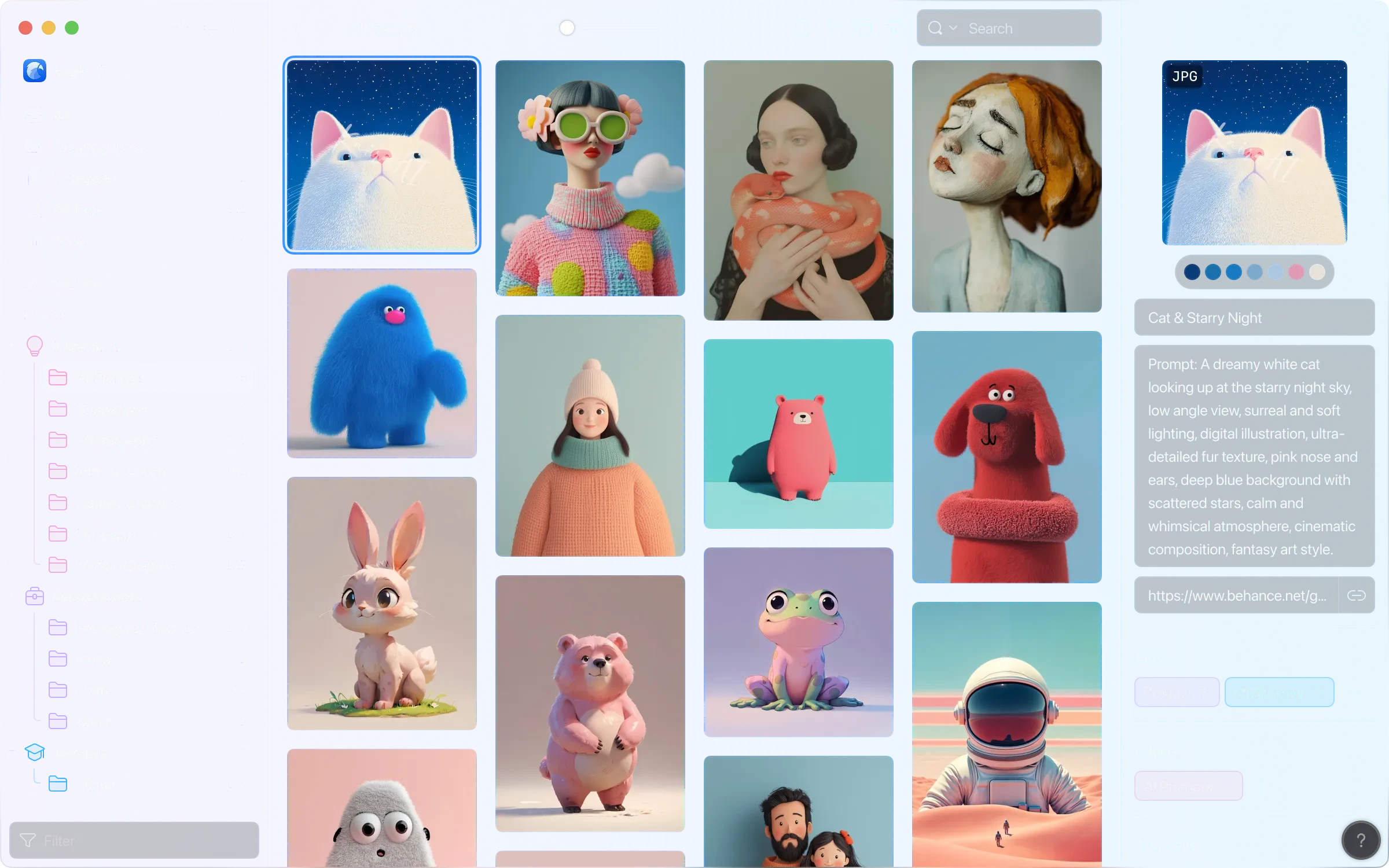
Eagle 4.0.0 for Mac
Eagle 4.0.0 for Mac Free Download
Eagle is a powerful app created specifically for designers, illustrators, UI/UX specialists, motion designers, and anyone who works with large amounts of visual reference and digital assets.
Its primary purpose:
Eagle helps you collect, organize, search, and use thousands of images, screenshots, videos, fonts, icons, mockups, 3D models, PSD, AI, Figma files, PDFs, and many other formats—all in one beautiful and fast place.
Features:
• Instant collection of materials
• Browser extension (Safari, Chrome, Edge, Firefox) – save images, GIFs, videos and entire pages with one click
• Capture from the clipboard
• Drag & Drop from any application
• Auto-import from selected folders
Organization on a new level:
• Unlimited number of folders + subfolders
• Powerful tagging system (multi-level, color labels)
• Smart folders (automatic selections based on rules)
• Ratings, notes, annotations directly on the image
• Drag and drop sorting (like in a real stack of photos)
• Filters by color, size, shape, file type, date, etc.
Search and navigation:
• Lightning-fast search even in a library of 50,000+ files
• Advanced search with OR, AND, brackets (since version 4.0)
• Quick viewing of metadata, color palette, fonts
Supported formats (more than 80 types):
• Images, PSD, AI, Sketch, Figma, PDF, SVG, RAW, video, audio, fonts, 3D (OBJ, GLB, etc.), office files and much more
Ease of use:
• Built-in viewer (GIF, video, fonts, PSD with layer preview)
• Export to different formats and folder structures
• Several libraries (can be stored on an external drive)
• Beautiful interface optimized for macOS
How to install and activate?
Run the downloaded image and drag the application to the Applications folder shortcut.
Once copying is complete, the application can be launched via Launchpad.