Gemini 2.10.2
Gemini 2.10.2 for Mac
A MacPaw duplicate finder that spots exact copies and look-alike photos so you can reclaim disk space without walking the whole disk in Finder.
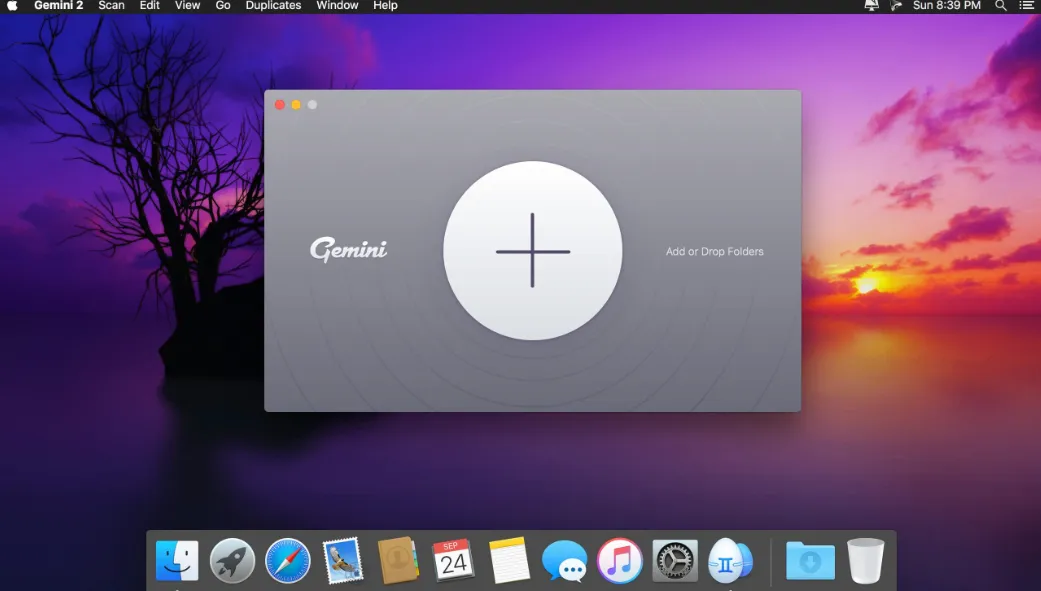
Drop a folder, then argue with the list
You point Gemini 2 at a disk, a folder, Photos, or the Music library, then wait for a scan. Results split into exact duplicates and similars — near-identical pictures or the same track saved at two bit rates. Smart Select pre-checks what it thinks you can lose; you can flip individual files, add your own rules (keep the newest, drop the larger copy), or teach it by accepting or rejecting its guesses. A “good” pass is a short list you actually understand, not a blind gigabyte number.
Removal is not a one-way shred. Selected copies go to Trash first, and Recently Deleted can put a mistake back in its original folder. You can also park extras in another folder or on a USB drive, or replace copies with hard links so the space shrinks without breaking two paths that still need the same bytes. An ignore list keeps precious trees out of later scans. Duplicates Monitor can watch folders you already cleaned and ping you when a new copy lands — it stays off until you add a location, and it does not watch Photos libraries.
What the unpaid build will not do
The download is free. On the Mac App Store, unpaid use can reveal a duplicate in Finder but cannot run Smart Cleanup; Yearly Access or the Smart Cleanup IAP (about $19.99) unlocks the one-click path. Direct from MacPaw you can subscribe (from about $1.95 a month or $23.40 a year) or buy a one-time license (about $44.95). Setapp includes the same app under its own plan. The App Store listing and Sparkle feed treat macOS 10.13 as the floor even though the marketing site still mentions 10.10.
When a dedicated finder is worth it
Use it when Photos retakes, duplicate Downloads, and leftover project folders are eating the SSD and Spotlight is too blunt. It is not a general junk cleaner, and it is not Google’s Gemini assistant. Similar-photo matches still need your eyes; folder groups used to over-report lookalikes that were not the same tree. Version 2.10.2 (Sparkle build 407) tightens that folder matching and fixes a crash when you open scan results. The vendor collects usage and diagnostics that it says are not linked to your identity.
How do I install and activate?
Mount the image and run Open Gatekeeper friendly.
Press Enter to bypass Gatekeeper in the Terminal window.
Drag the application to the Applications folder.
The application is ready to use.
Compatibility
macOS 10.13 and later