CapCut 9.3.0 for Mac
CapCut 9.3.0 MacOS
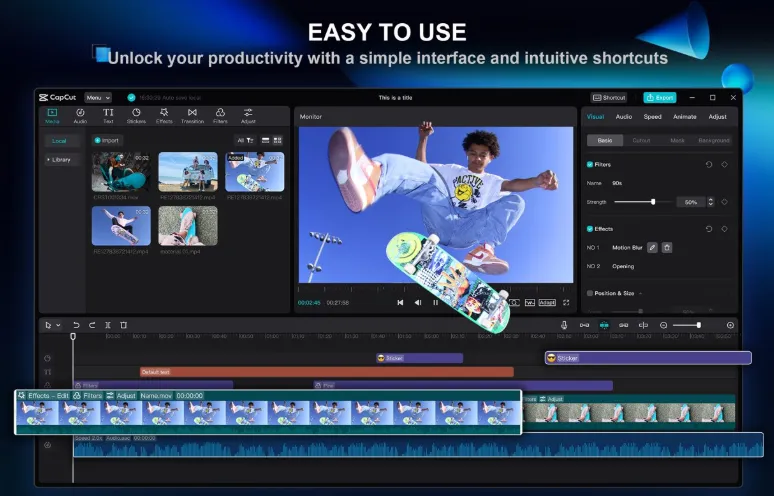
A free desktop video editor from ByteDance built for short-form social content trim clips, add captions, apply trending effects, and export for TikTok, YouTube, or Instagram without opening a browser tab.
Import through export workflow
After installing from the Mac App Store or the official CapCut site, you drag footage into a multi-track timeline and work much like on mobile: split and merge clips, adjust speed with curves, drop transitions, and layer text, stickers, and music from the built-in library. The desktop layout gives you more screen room for fine cuts, keyframe animation, chroma key, and stabilization controls that would feel cramped on a phone. Keyboard and trackpad editing feel natural once you map the timeline zoom and blade tools, which matters when you are nudging cuts frame by frame.
How do I install and activate?
Run the downloaded image and drag the application to the Applications folder shortcut.
Once the copy is complete, you can launch the application from Launchpad.
Compatibility
macOS 10.14 and new releases