CleanShot X 5.0 for Mac
CleanShot X 5.0 MacOS
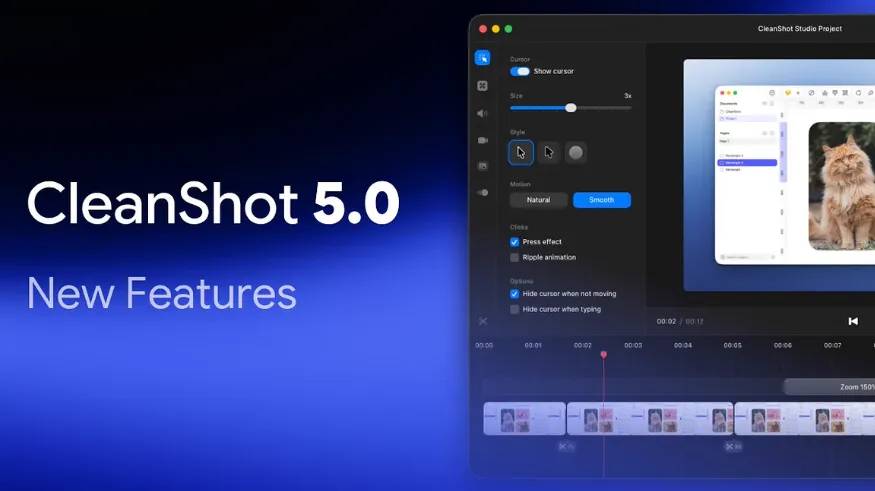
Replaces the system screenshot stack when you need annotation, scrolling pages, history, and recordings you can polish before anyone sees them.
Hotkey, overlay, then Slack or a ticket
You fire a shortcut (or the All-in-One picker), crop the region, and the overlay stays on top of your work: copy, save, drag into Messages or a browser field, pin the shot above other windows, or upload for a CleanShot Cloud link. Desktop icons can be hidden for the take so the wallpaper does not leak into a bug report. That is the daily loop capture, mark, send without parking files in Pictures first.
macOS will ask for Screen Recording, and some features also need Accessibility. Decline those prompts and you fall back to the built-in grabber. Cloud is optional: a purchase includes a free Cloud account with 1 GB, but every local tool works without an upload.
How do I install and activate?
Run the downloaded image and drag the app to your program folder shortcuts.
Once the copy is complete, you can launch the app from Launchpad.