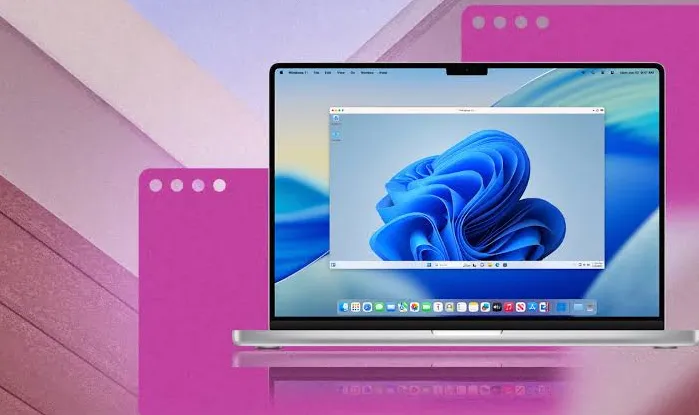
Parallels Desktop 27.0.0 58628 for Mac
Parallels Desktop 27.0.0 58628 MacOS
A hypervisor that keeps a full Windows 11 or Linux guest running beside macOS on Apple silicon, so line-of-business apps and development stacks do not need a second PC.
You install the Mac app, sign in to a Parallels account, and either download Microsoft’s Arm build of Windows 11 from inside the product or attach an existing virtual-machine bundle. Control Center is the home screen: start, suspend, or snapshot a guest, then choose Window, Full Screen, or Coherence. In Coherence, Windows apps sit in the Dock and open Mac files through shared folders and a shared clipboard. A typical good day is a Windows-only tool Access, a broker terminal, Altium, or ArcGIS Pro that behaves like another Mac app while the guest stays in the background.
How do I install and activate?
Mount the downloaded image and follow the standard installation procedure.
Compatibility
macOS 13.3 and later