PopClip 2026.7.1 for Mac
PopClip 2026.7.1 for Mac Free Download
A macOS utility that pops up a compact action bar when you highlight text, giving one-click access to copy, search, translate, formatting, and hundreds of extension-driven workflows without leaving the app you are in.
After you grant Accessibility access so PopClip can read selected text, it appears near your selection in supported apps. Built-in actions cover copy, cut, paste, search, spelling, and similar basics; the Extensions Directory adds translation, AI prompts, note capture, URL tools, and app-specific shortcuts. You configure which actions appear, their order, icons, and per-action settings from a dedicated settings window rather than a menu-bar-only panel.
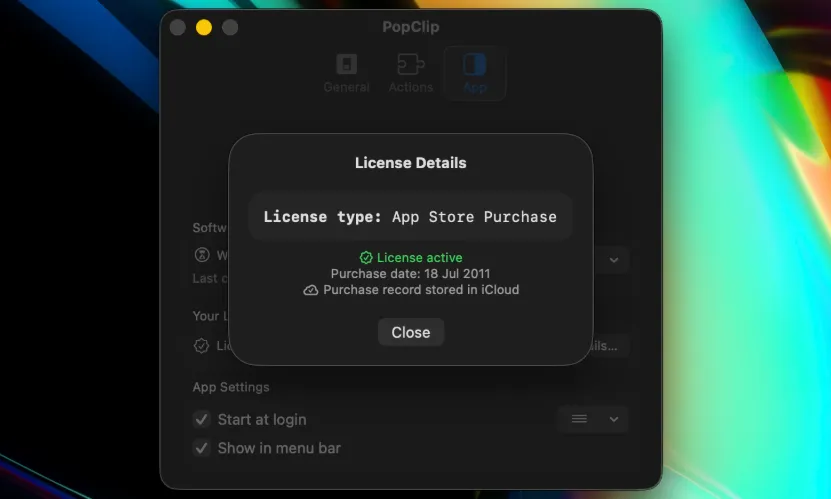
PopClip runs as a standalone download from the developer site or through Setapp. It is not distributed on the Mac App Store for current builds; legacy App Store customers can migrate to the standalone edition for updates. The trial includes all features for 250 action uses until you register a license key.
How do I install and activate?
Run the downloaded image and drag the app to the Applications folder shortcut.
Once the copy is complete, you can launch the app from Launchpad.
To activate the license, double-click the “Legacy_OS_User.popcliplicense” file.