Mole 1.11.0 for Mac
Mole 1.11.0 for Mac Free Download
A native macOS maintenance app that combines cache cleanup, thorough uninstall leftovers, disk mapping, one-tap maintenance, and live system status—jobs many people split across several utilities.
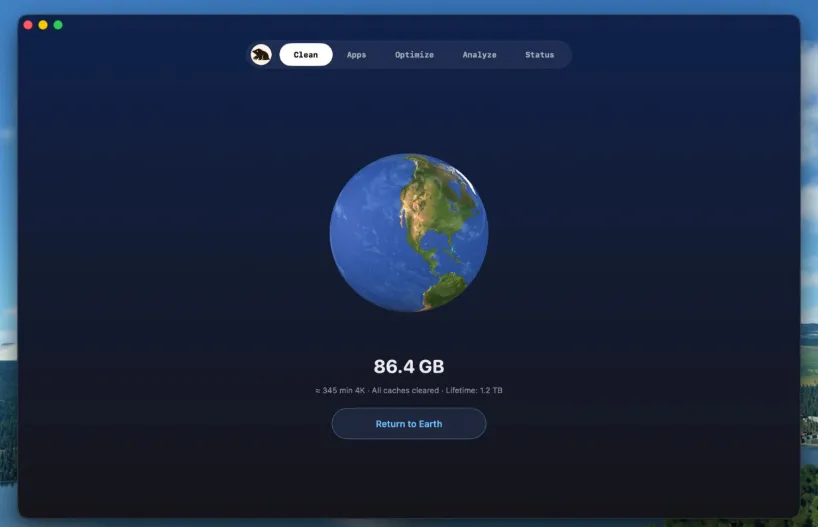
The GUI is built around five tools. Clean scans common reclaimable categories—app and system caches, logs, browser temp files, developer and AI tool leftovers, communication and cloud clutter, design-tool junk, miscellaneous temps, and Trash—sorted by deletion impact with hardlink-aware sizing. Software covers app updates across Mac App Store, Sparkle, Electron, Homebrew, and related sources; manages startup items; and uninstalls with a wide leftover scan (preferences, support files, launch agents, receipts, Dock entries, and more). Optimize runs a maintenance pass for caches and services such as Quick Look, fonts, Launch Services, and related housekeeping. Analyze shows a treemap of disk use with drill-down and Finder actions. Status watches CPU, memory, GPU, disk I/O, network, battery, thermals, fans where supported, and related health signals, with a menu bar HUD for at-a-glance metrics.
Safety is part of the product story: scans run locally, candidates are reviewable before removal, and the cleanup philosophy tracks the popular open-source Mole CLI. The paid Mac app adds native workflows the terminal tool does not—visual review, in-app updates, startup management, fan controls on supported hardware, Privacy Check for camera/microphone use, and related menu-bar helpers. Scanning is free; each tool can be tried a limited number of times before a license is required, according to the vendor.
How do I install and activate?
Run the downloaded image and drag the application to the Applications folder shortcut.
Once the copy is complete, you can launch the application from Launchpad.
Compatibility
macOS 14 and later