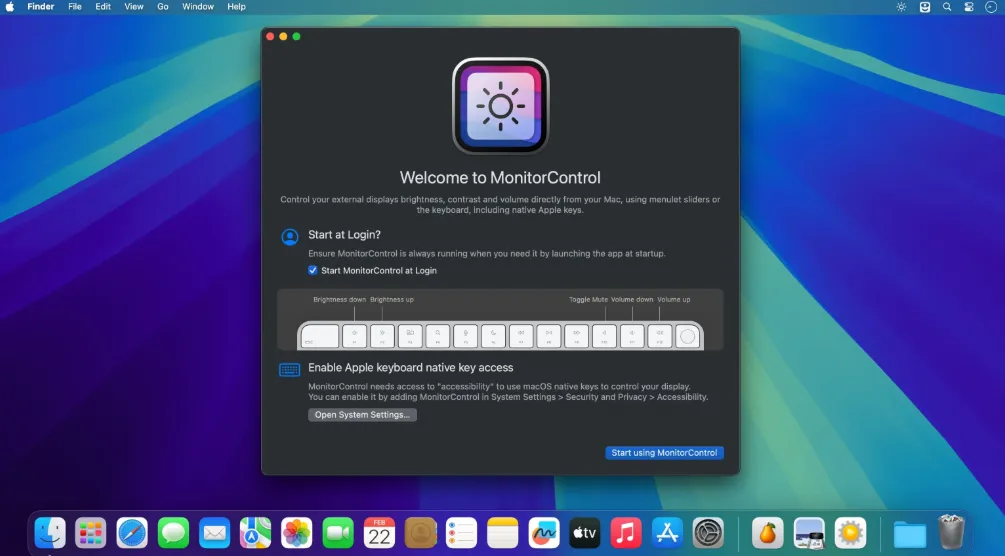
MonitorControl 4.3.3 for Mac
MonitorControl 4.3.3 for Mac Free Download
Whether you’re using a Mac mini or Mac Pro, or you’ve just connected an external display to your iMac or MacBook for additional screen space, being able to control their brightness using the dedicated keys on your Apple keyboard would be awesome. Unfortunately, this isn’t normally possible with third-party monitors.
MonitorControl is an open-source app that could provide a solution in this scenario. It supports a wide range of monitors, provided they can be controlled via DDC, and it also allows you to manage their contrast and volume, all from the menu bar or with your keyboard.
Once you’ve installed the app, you should find its icon in the menu bar. If your external display is supported, you will see it here, along with sliders for brightness, contrast, and volume. These can be used if you don’t have an Apple keyboard, but the native OSD will only be displayed when using the designated keys.