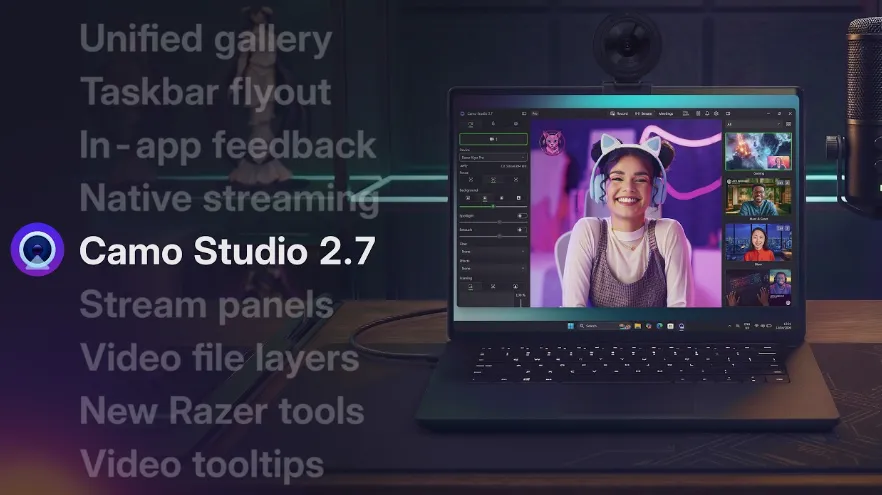
Camo Studio 2.7.2 for Mac
Camo Studio 2.7.2 for Mac Free Download
Camo Studio is Reincubate’s Mac and Windows app for turning phones, built-in cameras, webcams, and DSLRs into a polished video source for meetings, recordings, and live streams.
Camo Studio pairs with Camo Camera on iPhone, iPad, or Android (USB or wireless) and outputs a virtual camera that Zoom, Google Meet, Microsoft Teams, FaceTime, Discord, OBS, and dozens of other apps can use. You adjust framing, lighting, backgrounds, filters, and scenes from a native desktop app, then route the result to any compatible video app. Recent 2.7.x releases added native streaming to Twitch, YouTube, and Kick, Stream Panels for in-app chat, multi-camera scenes, and video file layers alongside live sources.
How do I install and activate?
Run the downloaded image and drag the application to the Applications folder shortcut.
Once the copy is complete, you can launch the application from Launchpad.
The application does not work on macOS Tahoe.