Affinity Photo 2.6.5 for Mac
Affinity Photo 2.6.5 for Mac Free Download
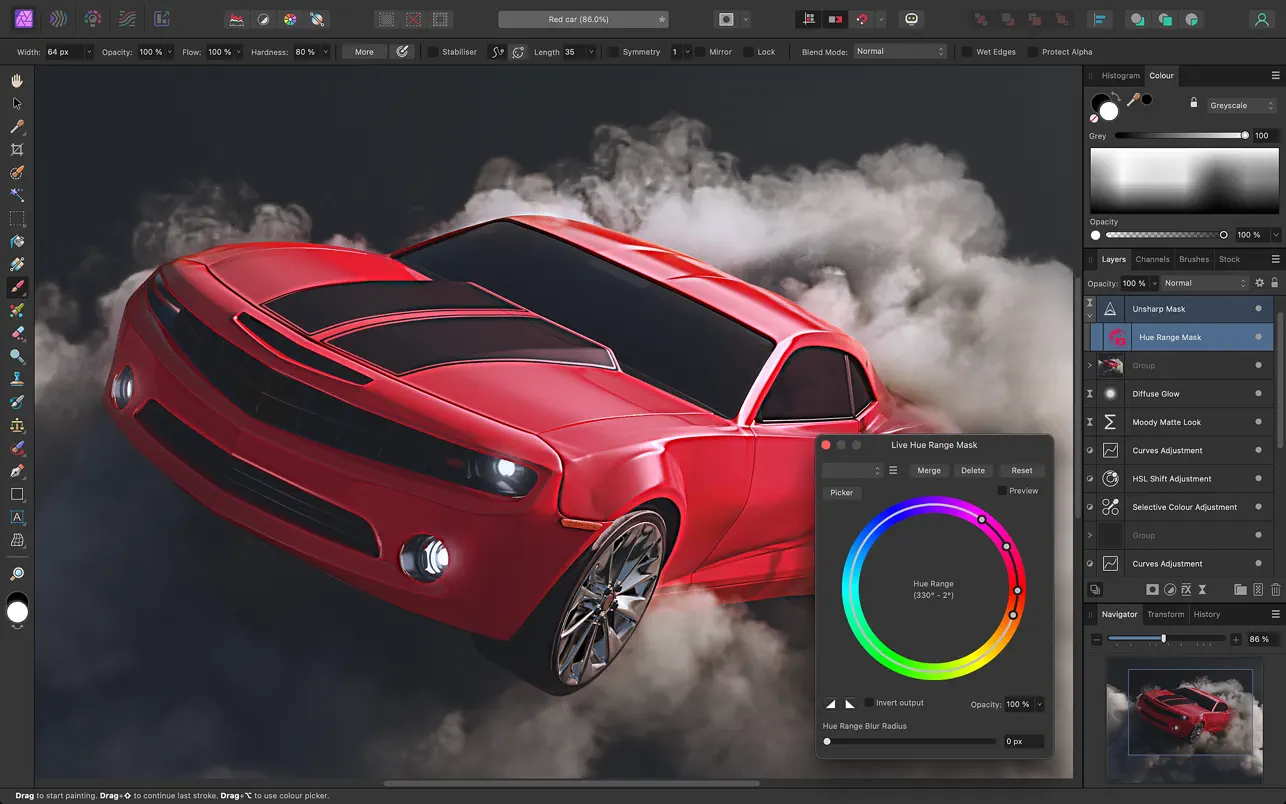
Affinity Photo delivers increased speed, stability, and performance, pushing the boundaries of professional photo editing. Whether you’re editing, retouching, or creating full-scale, multi-layered compositions, this app, with its comprehensive set of tools specifically designed for creative professionals and photography experts, delivers all the power and performance you need to achieve any goal.
High performance and functionality:
• dynamic real-time editing
• support for large images (more than 100 megapixels)
• pan and zoom at a constant 60 frames per second
• Open, edit, and save Photoshop® files (PSD format)
• RGB, CMYK, LAB and Grayscale color spaces
• full-featured editing of 16• and 32-bit images on each channel
• works with all standard formats: PNG, TIFF, JPG, GIF, SVG, EPS, EXR, HDR and PDF
Unrivaled performance:
• full range of capabilities for working with an unlimited number of layers, layer groups, adjustment layers, filter layers and masks
• non-destructive editing of dynamic filters, adjustments, effects, blending modes and masks
• saving the history along with the document, so changes can be undone at any time;
• Macro recording and playback for unmatched productivity
Professional image processing:
• open raw and other images in a workspace designed specifically for pre-processing files
• Adjust exposure, black point, clarity, color, white balance, shadows, highlights, and more
• Advanced lens correction capabilities, including chromatic aberration removal, fringing removal, vignetting, and best-in-class noise reduction
• solid fill areas or fully customizable gradients for overlaying adjustment masks
• View histograms, highlights, shadows, and tones, as well as EXIF information
• Focus stacking, HDR image merging and tone mapping for high-quality image processing
Availability of tools for effective retouching and adjustments:
• Simplify the process of creating selections, including even selecting strands of hair, with intuitive brush selection and refinement tools
• Instantly remove unwanted objects with the highly-advanced Sketch Brush
• lightening, burning, cloning, patching, removing spots and red-eye;
• Built-in frequency separation function for skin smoothing and retouching
• manual control of deformation, twisting, indentation, extrusion and turbulence effects in the special “Plastic Deformation” mode
Improved brush module:
• a huge library of tools for simulating pencil and paint drawing, as well as textured and professional DAUB® brushes
• the ability to create custom brushes and tips with full control over advanced dynamic features
• combine several brushes into one and stroke with all brushes at the same time;
• Full support for Wacom and other graphics tablets, including pressure, tilt, and key combination buttons
• Live preview of your brush tip – you can see exactly what you are drawing or erasing before you start
Quick customizable effects:
• An impressive range of available effects, including blur, distortion, tilt-shift, shadows, glow, lighting and many others
• the ability to select a non-destructive mode for dynamic effect layers, allowing you to erase or mask effects after they have been applied
How to install and activate?
Mount the image and run Open Gatekeeper friendly.
Press Enter to bypass Gatekeeper in the Terminal window.
Drag the application to the Applications folder.
The application is ready for use.