Folder Preview Pro 2.10 for Mac
Folder Preview Pro 2.10 for Mac Free Download
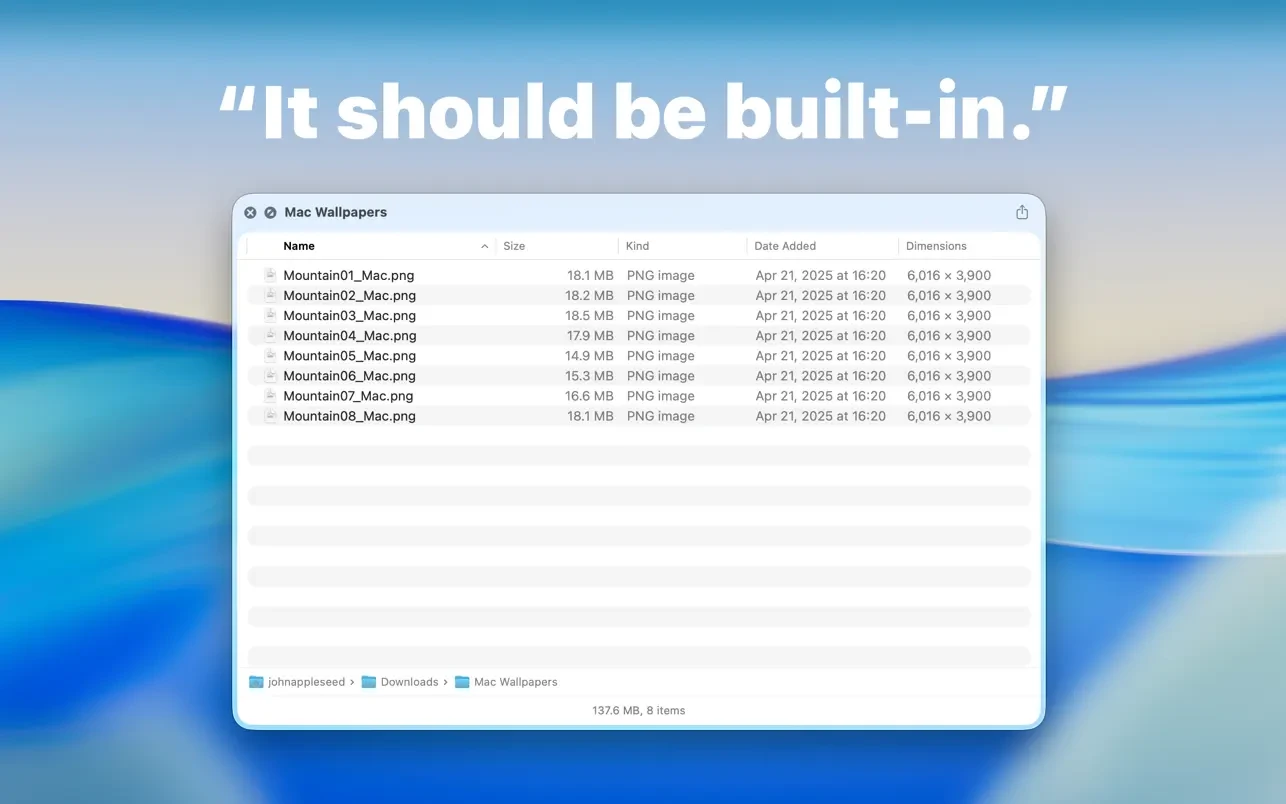
Folder Preview provides a Quick Look extension for previewing contents in Finder.
Before you begin, you need to enable the Quick Look extension in your system settings.
You can then press spacebar or ⌘ + Y to quickly browse folders in Finder.
You can also right-click on a column header to show or hide columns.
Supported archive file extensions:
– zip
– tar
– gz
– 7z
– rar
How to install and activate?
Run the downloaded image and drag the application to the Applications folder shortcut.
Once copying is complete, the application can be launched via Launchpad.