Watermarker 1.3.6 for Mac
Watermarker 1.3.6 for Mac Free Download
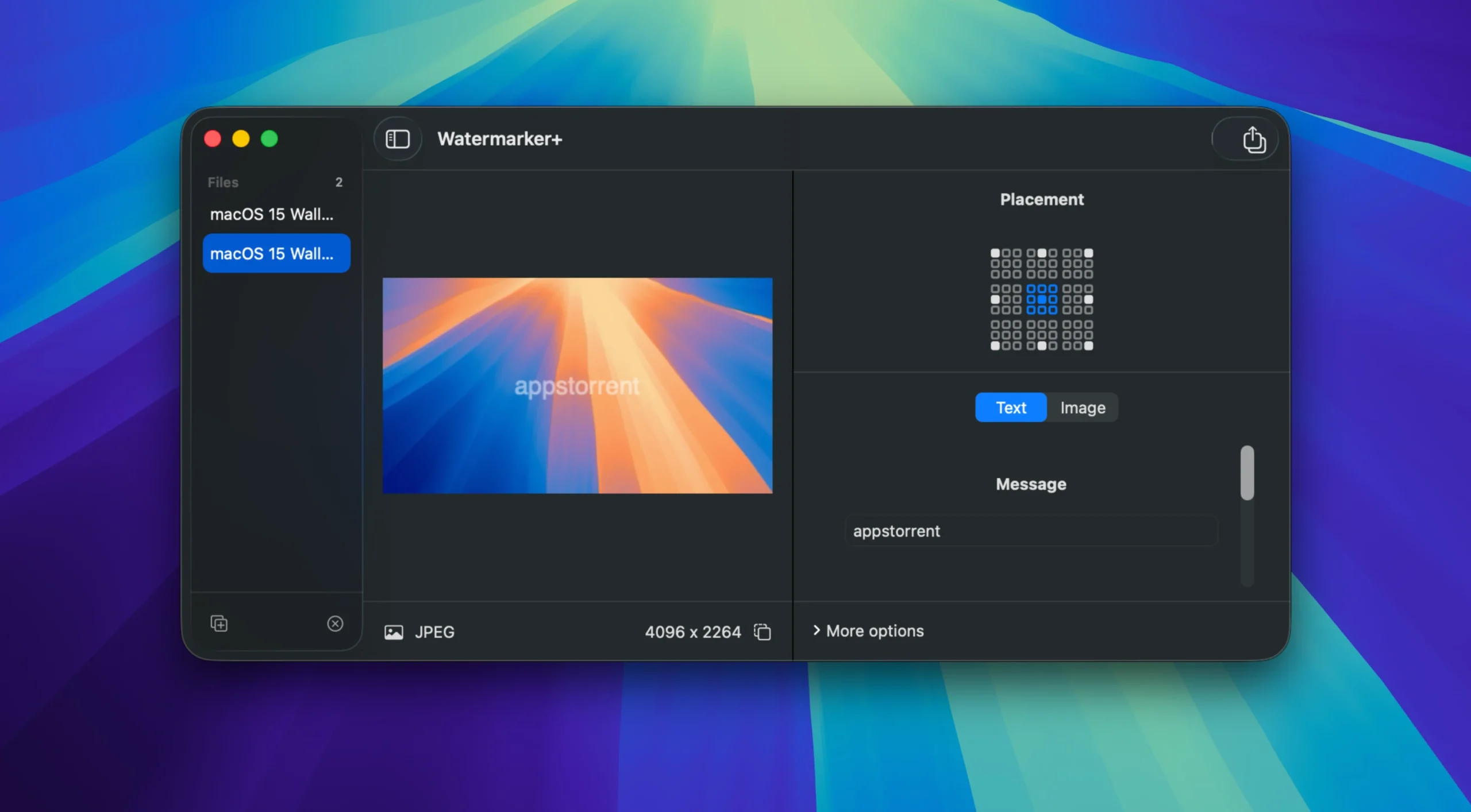
Watermarker+ is the easiest and fastest way to protect your photos with watermarks in batch mode.
Simply drag and drop any number of images into the app, add a text or graphic watermark, and you’re done. No complicated settings, unnecessary buttons, or long waits.
Watermarker+ is a lightweight and intuitive application designed for quick and mass photo processing: adding text or graphic watermarks to one or hundreds of images in a few clicks.
The ideal solution for photographers, designers, online store owners, and content creators who want to protect copyrights and maintain a consistent brand identity.
Instead of manually opening each image in a graphics editor, Watermarker+ offers a simple three-step process: drag and drop photos → customize your watermark → get your finished files.
The app focuses on one task—batch watermarking—and does it as quickly and efficiently as possible.
How to install and activate?
Mount the image and run Open Gatekeeper friendly.
Press Enter to bypass Gatekeeper in the Terminal window.
Drag the application to the Applications folder.
The application is ready for use.