WhyFi 1.3.4 for Mac
WhyFi 1.3.4 for Mac Free Download
WhyFi is a handy app in the form of a menu bar icon that quickly shows you why your Wi-Fi is slow or unstable and tells you how to fix it.
How it works:
WhyFi continuously monitors your connection at several levels:
• Wi-Fi signal (from Mac to router)
• Router latency
• Internet quality (ISP)
• DNS
Each indicator is highlighted in color: green means everything is fine, orange means average, and red means there’s a problem. The icon in the menu bar changes depending on the connection quality.
Peculiarities:
• WhyFi Radar — walk around your home/cafe with your laptop, the app updates 4 times per second and says “move on” or “go back”, showing the best signal (0–100 points)
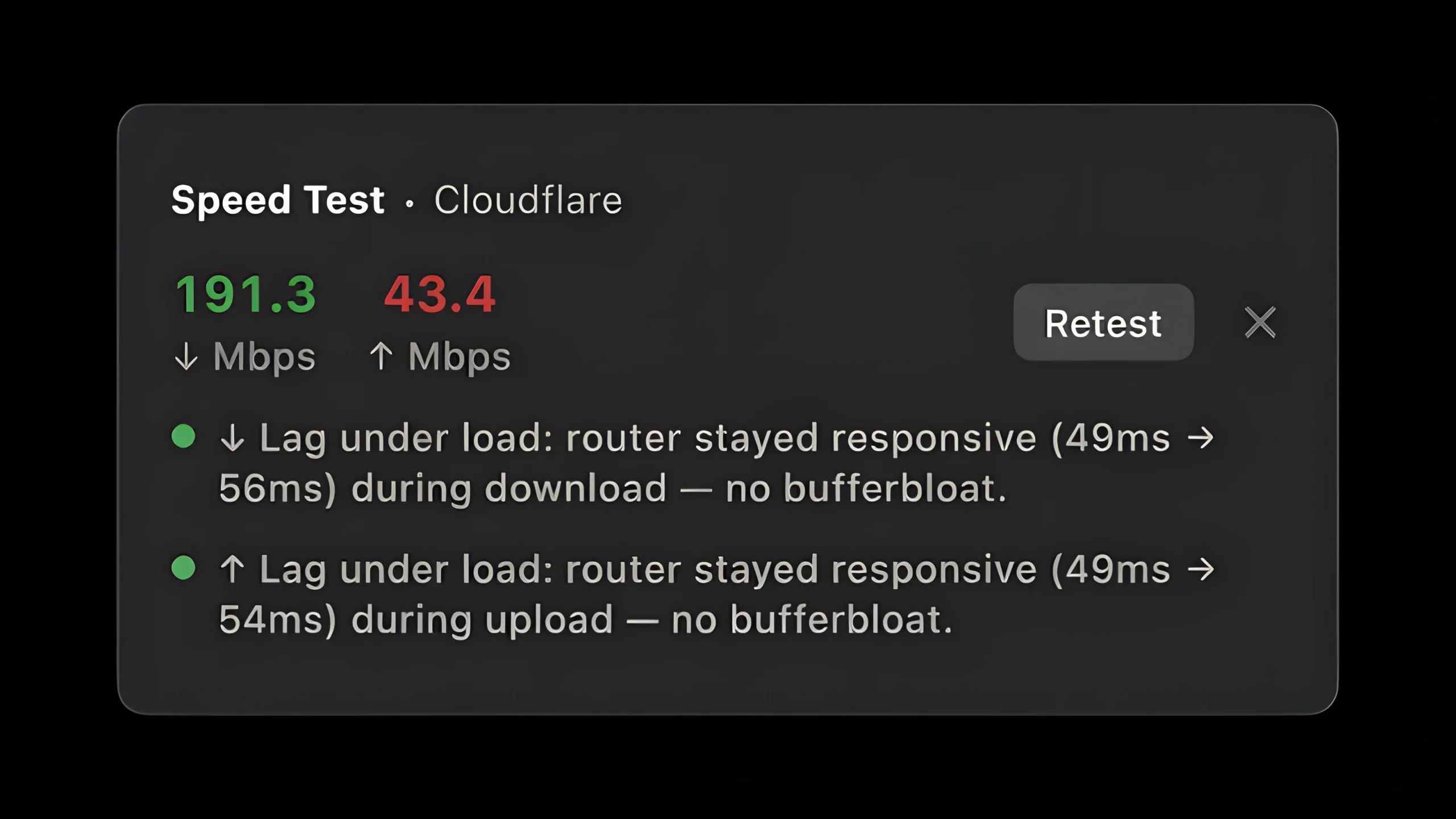
• Speed test with bufferbloat detection (a problem with latency under load, important for calls and video)
• Wi-Fi channel scanner — shows congested channels and recommends which one to switch to
• Quick DNS switching (Google or Cloudflare) with one click
• Export report for ChatGPT/Claude
• Detection of captive portals (hotel/airport Wi-Fi)
How to install and activate?
Run the downloaded image and drag the application to the Applications folder shortcut.
Once copying is complete, the application can be launched via Launchpad.