System Dashboard 5.1.1 for Mac
System Dashboard 5.1.1 for Mac Free Download
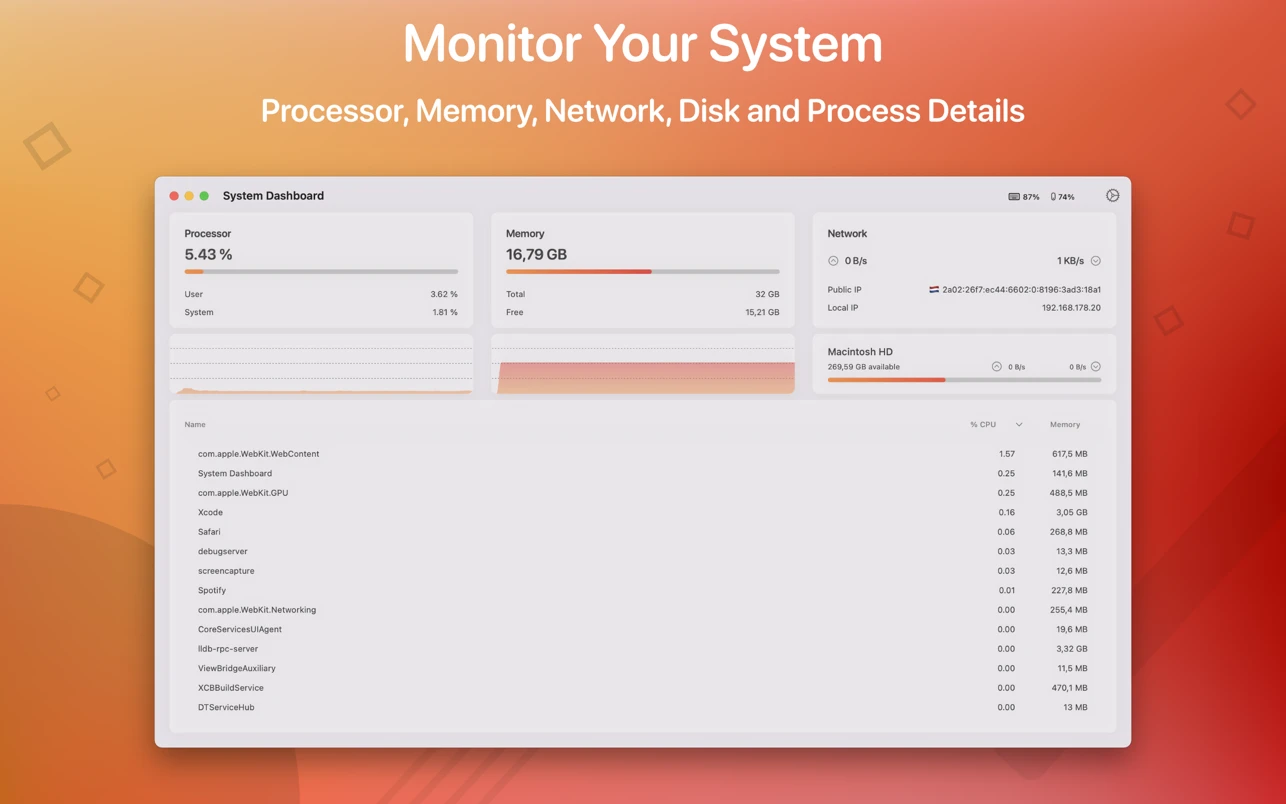
The System Control Panel displays all the important characteristics of your system on one page.
Features:
– System overview
The main window of this application displays the most important and interesting parameters of your system on one page.
– Processor
This category displays overall, user, and system CPU usage. It also displays the number of threads and tasks.
– Memory
This category displays your system’s used, wired, compressed, and free memory.
– Net
The Network category displays your current download and upload speed, the number of open connections, and your IP address.
– Battery
The app also checks the battery status of connected Bluetooth devices. All Apple peripherals are supported.
How to install and activate?
Mount the image and run Open Gatekeeper friendly.
Press Enter to bypass Gatekeeper in the Terminal window.
Drag the application to the Applications folder.
The application is ready for use.