Scientific Toolworks Understand 7.0
Scientific Toolworks Understand 7.0 macOS
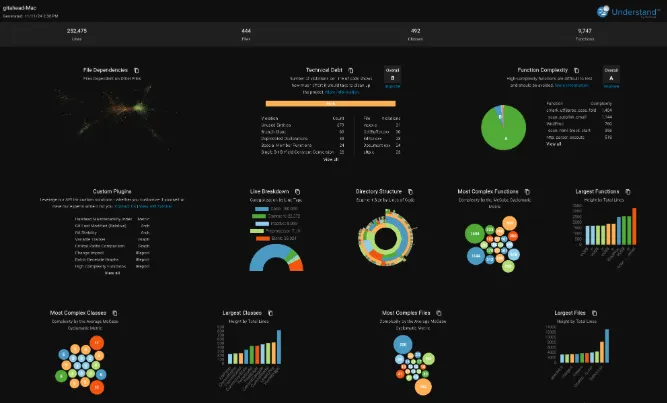
Analyze dependencies between modules, classes, functions, and custom architectures. Make informed decisions regarding refactoring, optimization, and overall code organization by using Understand’s dependency graph and other features.
Code navigation
Quickly and efficiently move through your codebase. With features like cross-references and call trees, developers can easily locate and understand specific sections of code, improving productivity and troubleshooting.
Organize with Architectures
Rearrange your code into logical groupings, providing a structured view that allows for easy navigation and better understanding of relationships between components. Manage large codebases efficiently and streamline your development process.
Dependency analysis
Analyze dependencies between modules, classes, functions, and custom architectures. Make informed decisions regarding refactoring, optimization, and overall code organization.
Visualize with graphs
View dependency, butterfly, data flow, called by graphs and more. Customize the style of your graphs, use plugins to design your own unique graphs, or export and highlight graphs to collaborate with your team.
Compliance validation
Enforce internal coding standards and prove compliance with external standards using CodeCheck. With extensive pre-defined code checks and the ability to write your own checks, ensure the correctness of your code and maintain compliance with ease.